Home
COX
DVR
Contour
Page 115
COX Contour - Page 115
144 pages
Manual
Save Page as PDF
To Next Page
To Next Page
To Previous Page
To Previous Page
Loading...
113
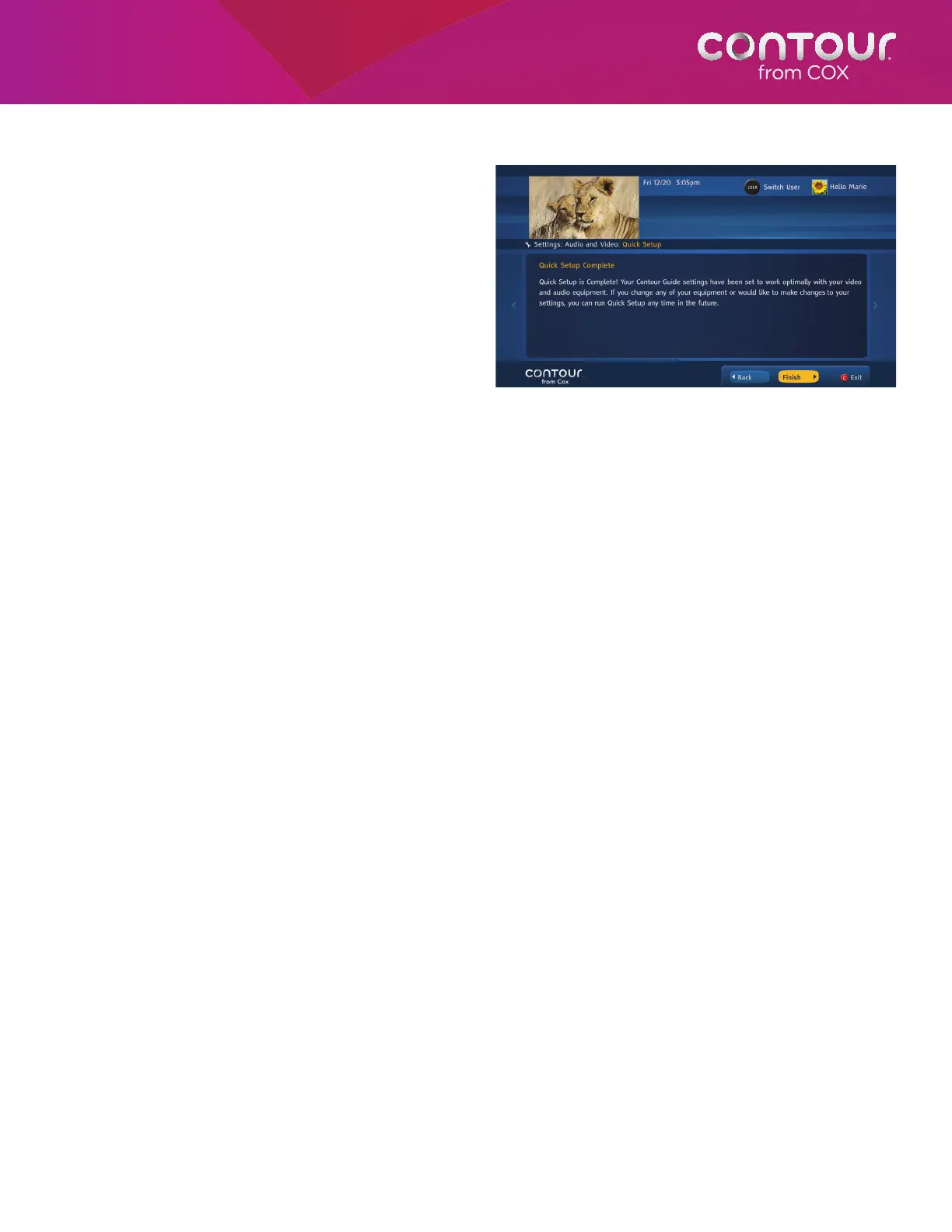
8.
This screen confirms that your Quick Setup
is complete.
Y
ou can pr
ess the C button
on your remote contr
ol to close the Quick
Setup wizard and r
eturn to watching
TV
.
P
r
ess SELECT to complete the Quick Setup of
your audio and video settings.
114
116
Table of Contents
Main Page
default chapter
3
Table of Contents
3
Chapter 1: Your Contour Program Guide
10
A Visual Orientation to Cards
11
Navigational Clues
13
About the Remote Control
18
About this Book
19
Chapter 2: Getting Started
20
Watch Live Television
21
Change Channels
21
View Basic Program Information
21
View Detailed Program Information
21
Open the Main Menu
22
Open the Actions Menu
22
Switch Users
23
Chapter 3: Guide
24
Using the Guide
25
Launch the Guide
25
Change Guide Views
25
Notes about Grid View
26
Find Programs Playing on a Specific Date and Time
26
Use the Guide to Find Available Channels
26
Use the Guide to Find Available Programs
27
Get more Information
27
Watch a Program or Channel
27
Scroll through the Guide
28
Exit the Guide
28
Browse Related Programs
29
Browse Cast & Crew
29
Browse Related Genre
30
Watch Another Episode
30
Browse Related Series
31
About Info Banners and Channel Banners
32
See Channel Banners While Watching Live Television
32
See Info Banners While Watching Live Television
32
Switch Programs from Info Banners
32
Change Channels from Info Banners
32
See Info Banners While Watching on DEMAND
33
Banner Icons
33
Close Info Banners
34
Service Messages
34
Chapter 4: On DEMAND
35
Using on DEMAND
36
Launch on DEMAND
36
Restrict on DEMAND
36
Browse on DEMAND
37
View Purchase and Other Program Information
37
Watch Free on DEMAND Programs
38
Purchase on DEMAND Programs
38
Notes on Subscription Channels
38
Watch Preview
39
Get more Information
39
Search on DEMAND
39
Browse Movie Posters
39
Use Play, Pause, Stop, Fast Forward and Rewind
40
Use Instant Replay
40
Exit on DEMAND
40
Return to Other Episodes or Programs Within a Category
41
Return to Recently Viewed Programs
41
Chapter 5: DVR
42
Dvrs Offered by Cox
43
About Your Dual Tuner DVR
43
About Your Record 6 DVR
43
Using the DVR
43
Scan a Live Program
43
Use the RECORD Button
44
Record Programs from the Contour Program Guide
45
Record a Program
45
Record a Series
47
Set a Manual Recording
48
Notes about Manual Recordings
49
Notes on Start & End Times
50
Confirm a Recording
50
Recording Icons
50
About Recording Alerts
51
DVR List Views
53
Watch a Recorded Program
54
Related product manuals
COX Contour 2
6 pages
COX Contour box
6 pages
Wireless 4K Contour Stream Player
3 pages
COX universal remote control
28 pages
MINI BOX BIG BUTTON REMOTE CONTROL
36 pages
COX Custom 4
10 pages
COX Custom 4 Device
2 pages



 To Next Page