12
SEARCHING FOR YOUR CODE
IIf your home entertainment device does not respond
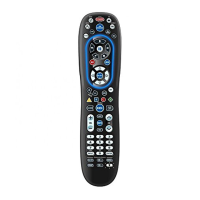
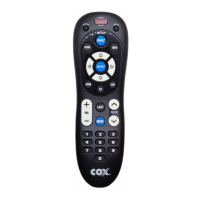
to the COX Custom DVR Universal Remote Control
after trying all the codes listed for your brand, or if your
brand is not listed at all, try searching for your code.
For example, to search for a code for your TV:
1. Turn on your TV.
2. On the remote control, press TV once;
Then press and hold SETUP until the
TV key blinks twice, then release SETUP.
3. Enter 9 - 9 - 1. The TV key will blink twice.
4. Aim the remote control at the TV and press
POWER once.
5. Press CH+ (or CH-) one or more times and
stop when the TV turns off.
NOTE: In the search mode, the remote con-
trol will send IR codes from its library to the
selected
device, starting with the most popular code
first.
NOTE: If while pressing
CH+, and you inad-
vertently pass the code, press
CH- one or more
times until the TV turns on.
6. Press SETUP once to lock in the code. The TV
key will blink twice.
7. To search for the codes of your other devices,
repeat steps 1 through 5, but substitute the
appropriate key (e.g., AUX, DVD, AUD, or
CABLE) for the device you are searching for.
CHECKING THE CODES
If you have set up the Cox Universal Remote Control
using the Searching For Your Code procedure you
may need to find out which four-digit code is operating
your equipment. For example, to find out which code is
operating your TV:
1. Turn on your TV.
2.
On the remote control, press TV once.
Then press and hold SETUP until the
TV key blinks twice, then release SETUP.
M7820BP1.indd 12 3/13/2007 3:54:00 PM



 To Next Page