Need help?
Do you have a question about the CPR CPR-105 and is the answer not in the manual?
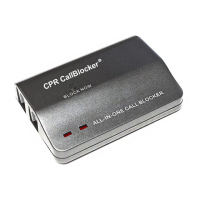
Remove the line cable from your telephone and plug into the LINE 1 port of the Call Blocker.
Use the small Black cable provided to connect the TEL 1 port to your telephone.
Ensure all cables are connected securely and check for a red light. Troubleshoot with LINE 2/TEL 2 ports if needed.
Enter * * 7 # followed by the number and # to block it.
Enter * * 7 # followed by the area code and # to block it.
Enter * * 6 # followed by the number/area code and # to remove it.
Input * * 2 # * 2 # to block the last received call.
 General
| Brand | CPR |
|---|---|
| Model | CPR-105 |
| Category | Telephone Accessories |
| Language | English |


 To Next Page