BATTERY INDICATOR
(with BAR GRAPH power level indicator)
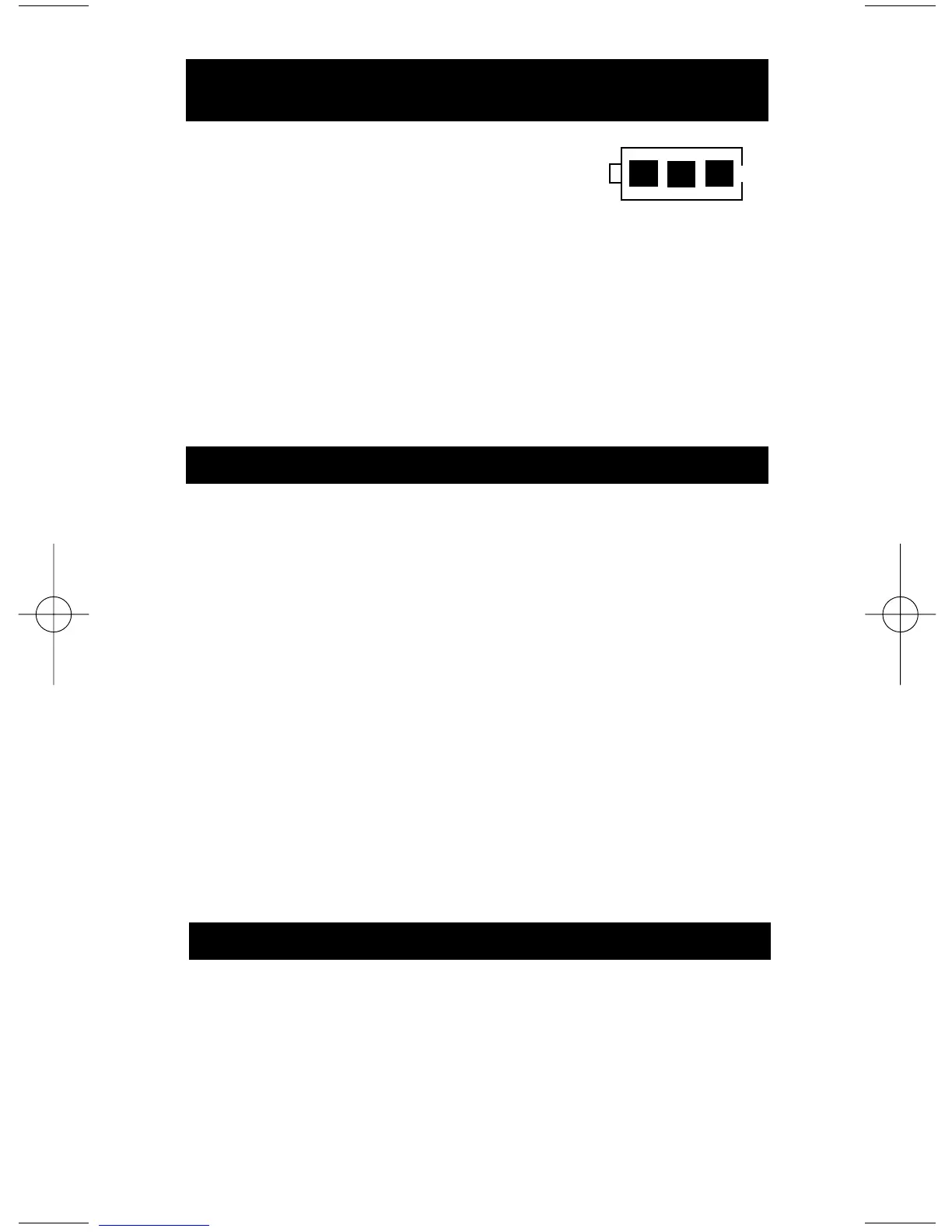
100% ( 3 segments ) of Bar Graph-
67% ( 2 segments ) of Bar Graph-
33% ( 1 segment ) of Bar Graph-
0% ( 0 segments ) of Bar Graph-
Dashes across the Display-
Battery at 100% to 80%
Battery at 80% to 60%
Battery at 60% to 20%
Battery at 20% to 5%
Battery below 5%, replace
VACUUM PUMP CHECK
Contaminants quickly form in the oil of a vacuum pump.
The contaminated oil can severely inhibit the performance
of a pump and eventually cause damage to the pump itself.
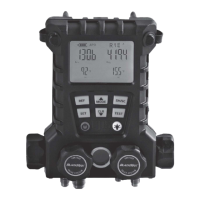
The VG200 incorporates a unique vacuum pump check
designed to test the performance of a vacuum pump
BEFORE it is used to evacuate a system. Simply attach
the VG200 directly to the vacuum pump and watch the
display as it measures the performance of the vacuum
pump.
Note: Different sizes and brands of vacuum pumps will experience
varied results. Check the specifications published by the
manufacturer of your vacuum pump to determine the ultimate
vacuum level your pump can achieve. Many published
specifications state that pumps rated between 2 & 8 CFM should
experience an ultimate vacuum between 15 and 50 microns.
SENSOR MAINTENANCE
Note: If the Low Battery indicator does not de-energize after
replacing with a brand new battery, the VG200 sensor is saturated
with Oil or other contaminants. Please proceed with the cleaning
processing below.
The battery indicator is shown on the LCD as a
battery shape with a 3 segment Power Level
Bar Graph:
Note: If the Low Battery indicator cannot be resolved with a new
battery, See Sensor Maintenance section.


 To Next Page