EasyManua.ls Logo

Cradlepoint AER3100 - Page 32

Cradlepoint AER3100
104 pages
Print Icon
To Next Page IconTo Next Page
To Previous Page IconTo Previous Page
Loading...
©2015 Cradlepoint. All Rights Reserved. | +1.855.813.3385 | cradlepoint.com
32
User Manual / AER3100/AER3150
Enabled
Security Mode

• WPA2 Personal
• WPA / WPA2 Personal
• WPA Personal
• 
• 
• 
• WEP Auto
• 

WPA2

• Personal
• EnterpriseIPPort
Shared Key
• WPA2
• WPA/WPA2WPA
• WEP Auto
• Open
NOTE



WPA2/AES



NOTE: If you select one of the security modes and

can use the reset buttons to reset the router to its


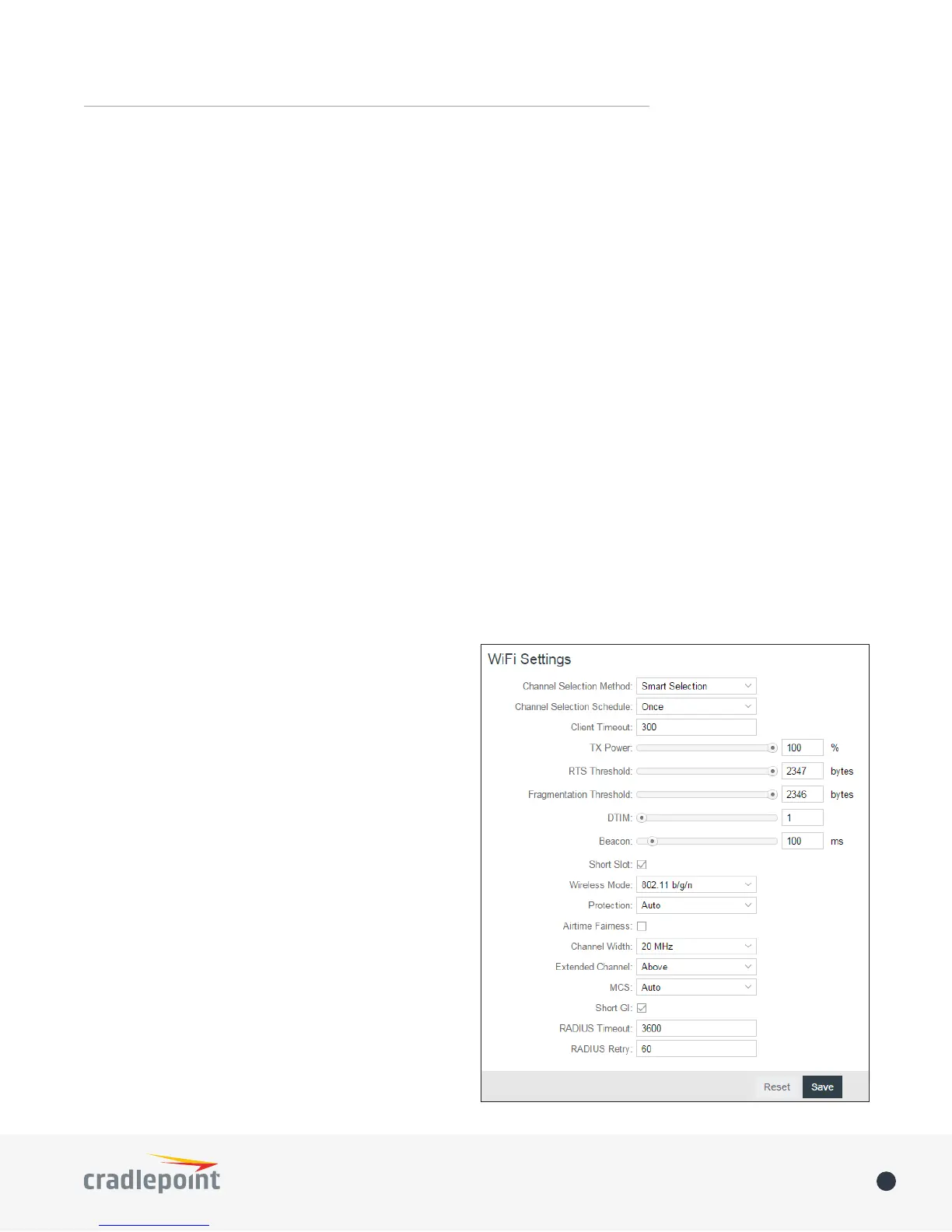
When you select either WiFi Radio #1 (2.4GHz) or
WiFi Radio #2 (5GHz) from Local Networks

LANs under the WiFi Settings
Channel Selection Method: This controls how a WiFi

• User Selection
• Random Selection
channel
• Smart Selection
lowest interference WiFi channel