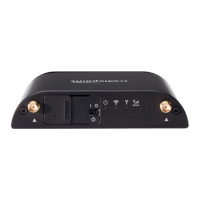
7. For some installations, the Cradlepoint will also serve as a WiFi hotspot. There are 2 options -
(they can be turned on individually or simultaneously)
a. Free WiFi network for patients
i. SSID is PatientPoint Welcome
ii. No password required. User must accept Terms and Conditions to access the
internet
b. Hidden WiFi for PPT signs
i. The network ID is not broadcast
ii. The network SSID is patientpointwifi
iii. Security Mode is WPA2 Personal
iv. The network password is DxW!E5fA6U!&nc7K
8. For the PPT devices that use WiFi, configure each sign to connect to the hidden network (see
instructions at the end of this document)
9. Check that connectivity is maintained when all signs are located at their place of installation,
before mounting signs on the wall
10. Use a smart phone or other device to confirm that users can log on to the PatientPoint Welcome
WiFi network












 To Next Page