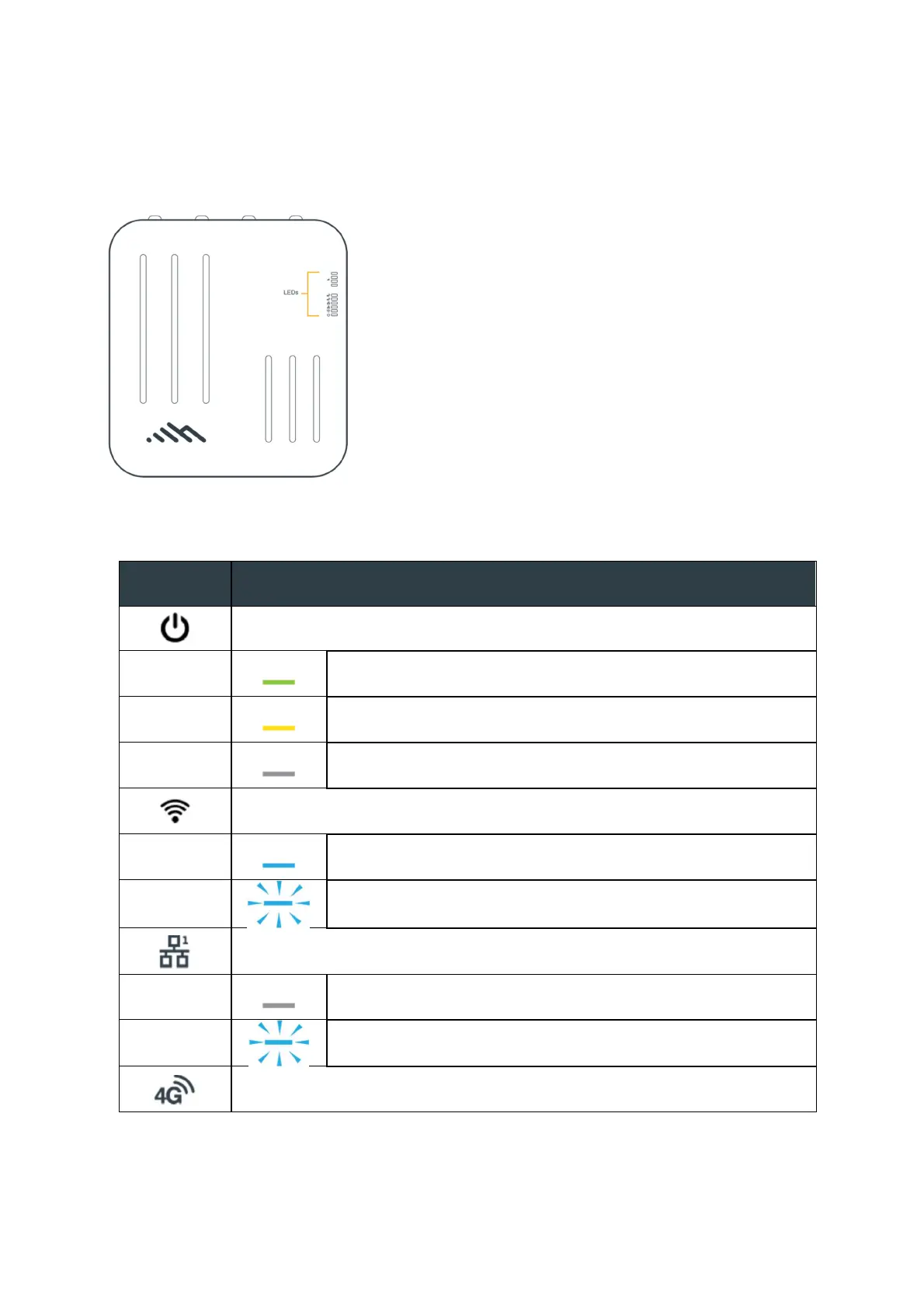
Understanding LEDs
Refer to the following for information about the LED indicators on the Cradlepoint W2005
Outdoor Branch 5G Adapter.
INDICATOR
BEHAVIOR
Power: The Cradlepoint W2005 must be powered using an approved 802.11bt
PoE power source.
Green = Powered ON
Yellow = Attention.
No Light = Not receiving power. Check the power switch
and the power source connection.
Wi-Fi Status: Blue LED bars indicate the Wi-Fi status.
Solid Blue = Wi-Fi on and operating normally
Blinking Blue = Wi-Fi is on, but not connected to a WAN
source
Ethernet LAN Status: Indicates wired LAN connection information.
Off = Not connected
Blinking = Data passing
4G LTE Modem Status: LED indicates the LTE modem status.















 To Next Page