EasyManua.ls Logo

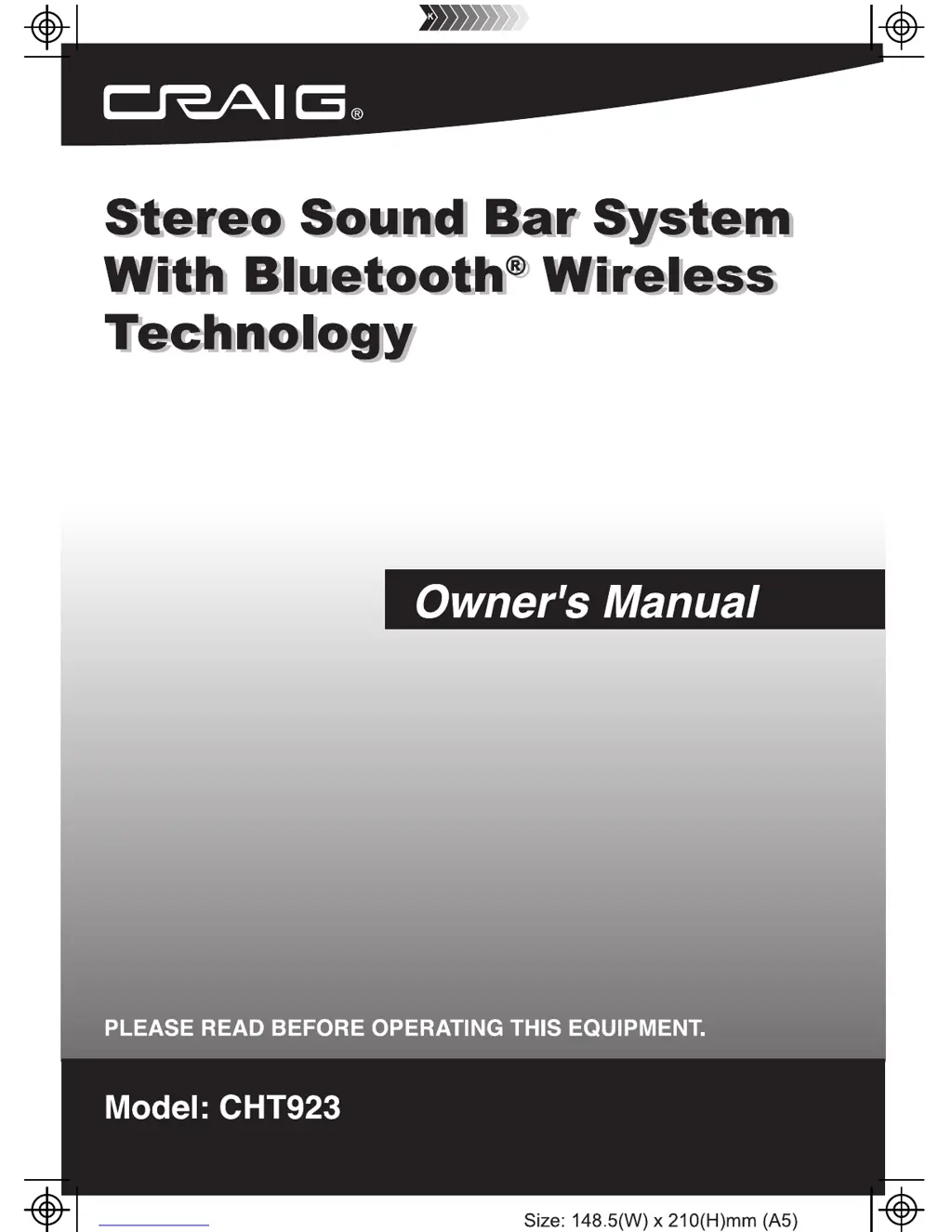
Craig CHT923 - User Manual

Craig CHT923
15 pages
Print Icon
To Next Page IconTo Next Page
Loading...

Questions and Answers

  • C
    Caitlin EvansJul 27, 2025
    What to do if Bluetooth is not connecting to my Craig CHT923?
    • T
      taylorjonJul 27, 2025
      If you're experiencing Bluetooth reception failure with your Craig Speakers, first ensure that the external device is close to the unit. If the issue persists, make sure you have paired both units correctly, following the Bluetooth pairing instructions.
  • R
    Ryan SosaAug 2, 2025
    Why is there no sound coming from my Craig CHT923?
    • T
      Tiffany WrightAug 2, 2025
      If there's no sound from your Craig Speakers, it could be due to several reasons. First, check if the volume is at the minimum; if so, raise it by pressing the VOL (Volume) + button. Also, ensure the connected device is playing music or a movie and that its volume is turned up. Finally, verify that the input source is correctly selected by pressing the SOURCE button repeatedly to set it to the desired mode.
  • S
    Shelley HallAug 8, 2025
    How to turn on Craig CHT923 if there is no power?
    • M
      Mary RobertsonAug 8, 2025
      If your Craig Speakers have no power, first, make sure the power AC/DC adapter is properly connected. If it is, check if the unit is in Standby mode; if so, press the power button to turn it on.
  • A
    Ashley HernandezAug 14, 2025
    Why is the sound distorted on my Craig CHT923 Speakers?
    • Y
      Yolanda HancockAug 14, 2025
      Sound distortion on your Craig Speakers can occur for a couple of reasons. One potential cause is that the bass level on the connected device is too high; try reducing it. Alternatively, the volume level might be too high; reduce it by pressing the VOL (Volume) - button.
  • C
    carolyn17Aug 20, 2025
    What to do if the remote for my Craig CHT923 Speakers is not working?
    • K
      Kelly MorrisAug 20, 2025
      If the remote for your Craig Speakers isn't working, the most likely cause is a dead battery. Replace the battery with a new one.

Summary

Important Safety Instructions

General Safety Precautions

Essential safety guidelines for operating the equipment, covering usage, cleaning, and ventilation.

FCC Warnings and Notices

Information regarding FCC compliance, potential interference, and user responsibilities.

Power Source

Installation

Placing on the Table

Ensure adequate ventilation space when placing the sound bar on furniture.

Wall Mounting

Guidance on professional wall mounting using included accessories.

Mounting on Wooden Wall

Instructions for securely mounting the sound bar on a wooden wall with screws.

Mounting on Drywall

Steps for mounting the sound bar on drywall using screws and plastic inserts.

Location of Controls

Unit Controls (Front View)

Identification of front-facing components like the remote sensor and LCD display.

Unit Controls (Top and Back View)

Details of ports and buttons located on the top and rear of the unit.

Remote Control Layout

Remote Control Operation

Battery Installation and Precautions

Procedure for installing batteries and safety guidelines for battery usage.

Effective Transmitter Distance

Information on the optimal range and factors affecting remote control performance.

General Operations

Time Setting and Sleep Timer

How to set the unit's clock and activate the sleep timer function.

Playback Controls

Adjusting volume, bass, treble, mute, and equalizer settings during playback.

Listen to FM Radio

Tuning and Programming FM Stations

Steps for auto-searching, selecting, and storing FM radio stations.

FM Antenna Usage

Guidance on positioning the antenna to improve FM reception.

Bluetooth Pairing and Playback

Pairing a Bluetooth Device

Instructions for connecting an external Bluetooth device to the sound bar.

Bluetooth Playback

How to play audio from a paired Bluetooth device and control playback.

Connecting Audio Sources (AUX 1)

Connecting TV;DVD;VCR;DVR

How to connect devices like TVs or DVD players using RCA cables to AUX 1.

Connecting Audio Sources (AUX 2)

Connecting MP3 Players;Discman

How to connect devices like MP3 players using audio connection cables to AUX 2.

Troubleshooting Guide

Common Issues and Solutions

Diagnosing and resolving common problems such as no power, no sound, or distortion.

General Specifications

Technical Specifications

Details on power, radio coverage, speaker impedance, and operational ranges.

Included Accessories

List of all items provided with the sound bar system.

Limited Warranty Information

Warranty Coverage and Service

Information on warranty period, terms, exclusions, and obtaining service.

Craig CHT923 Specifications

General IconGeneral
BrandCraig
ModelCHT923
CategorySpeakers
LanguageEnglish

Related product manuals