EasyManua.ls Logo

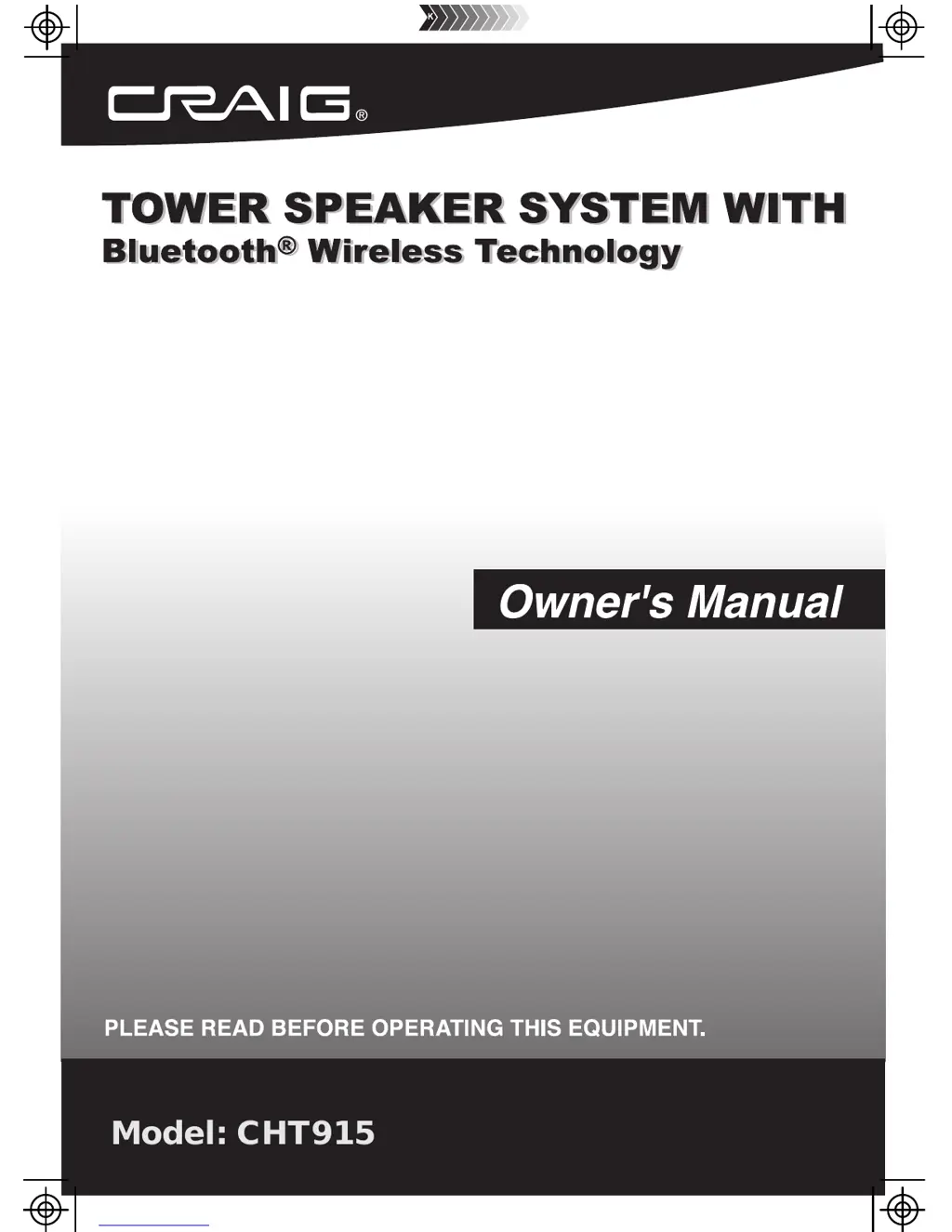
Craig CHT915 - User Manual

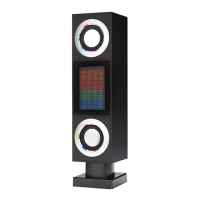
Craig CHT915
18 pages
Print Icon
To Next Page IconTo Next Page
Loading...
Model: CHT915

Questions and Answers

  • R
    Regina ParsonsAug 2, 2025
    Why is there no sound coming from my Craig Speakers?
    • T
      Trevor WilsonAug 2, 2025
      There are several reasons why your Craig Speakers might not be producing sound. First, check that the volume isn't at its minimum. If it is, raise the volume by pressing the VOL (Volume) + button. Also, ensure that the connected device is playing audio and that its volume is set to a high level. Finally, verify that the correct input source is selected by pressing the SOURCE button repeatedly until you reach the desired mode.
  • N
    nrogersAug 8, 2025
    What to do if my Craig Speakers have no power?
    • A
      amandabrewerAug 8, 2025
      If your Craig Speakers are not powering on, first ensure that the power AC/DC adapter is properly connected. If it is connected, check if the unit is in Standby mode. If so, press the power button to turn on the unit.
  • F
    fmillerAug 13, 2025
    How to fix sound distortion on Craig Speakers?
    • S
      Shannon RobinsonAug 13, 2025
      If you're experiencing sound distortion with your Craig Speakers, it could be due to a high bass level on the connected device. Try reducing the bass level on that device. Alternatively, the overall volume level might be too high. Reduce the volume level by pressing the VOL (Volume) - button.
  • P
    Preston Wright DDSAug 19, 2025
    What to do if my Craig Speakers remote is not working?
    • G
      grace25Aug 20, 2025
      If the remote for your Craig Speakers isn't working, the battery may be depleted. Replace it with a new battery.
  • R
    rogerrobinsonAug 27, 2025
    Why is Bluetooth reception failing on my Craig CHT915?
    • J
      Jamie JonesAug 27, 2025
      If you're having trouble with Bluetooth reception on your Craig Speakers, it could be due to distance. Try moving the external Bluetooth device closer to the unit. Also, make sure that both units are paired correctly. If not, pair both units as described on the BT pairing page.

Summary

Important Safety Instructions

Read and Keep Instructions

Read all safety and operating instructions before use and retain for future reference.

Heed Warnings and Follow Instructions

Adhere to all product and operating warnings and follow all use instructions.

Usage Environment Precautions

Avoid using the apparatus near water or heat sources and ensure proper ventilation.

Plug and Cord Safety

Do not defeat plug safety features; protect cords from damage like pinching or walking.

Accessory and Servicing Guidelines

Use only specified accessories and refer all servicing to qualified personnel.

Installation and Usage Safety

Use specified accessories for mounting and operation; unplug during storms or long non-use.

Power Lines and Overloading

Keep antennas away from power lines and do not overload outlets to prevent hazards.

Object, Liquid, and Service Requirements

Prevent object/liquid entry; do not service yourself; use manufacturer-specified replacement parts.

Damage and Performance Issues

Refer to service if unit is damaged, exposed to water, or malfunctions; check performance.

Installation

Placing on Floor in Vertical

Assemble the plastic base to the main body with the supplied screw and washer.

Placing on Table in Horizontal

Insert plastic brackets into the rear holder slot and attach plastic stands.

Mount on Wall

Mark, drill holes, insert plastic inserts, mount brackets, and attach the unit to the wall.

Location of Controls

Main Unit Controls

Identifies controls and jacks on the main speaker unit.

Remote Control Functions

Identifies buttons and functions of the remote control.

Remote Control Battery Installation

Battery Precautions

Follow precautions for using and handling batteries in the remote control.

Remote Transmitter Distance

Notes on optimal remote control range and potential interference.

Listen to FM Radio

Bluetooth Pairing and Playback

Aux In 1: Listen to TV;DVD;VCR;DVR

Aux In 2: Listen to External Audio Devices

Troubleshooting Guide

General Specifications

Accessories Included

Lists all included accessories with the product.

Limited Warranty

Craig CHT915 Specifications

General IconGeneral
BrandCraig
ModelCHT915
TypePortable Bluetooth Speaker
ConnectivityBluetooth, AUX
Power Output5W
ColorBlack

Related product manuals