12
AU X IN 1
AU X IN 2
L
R
OPTICAL IN
DC I N
DC 9 V, 1.5A
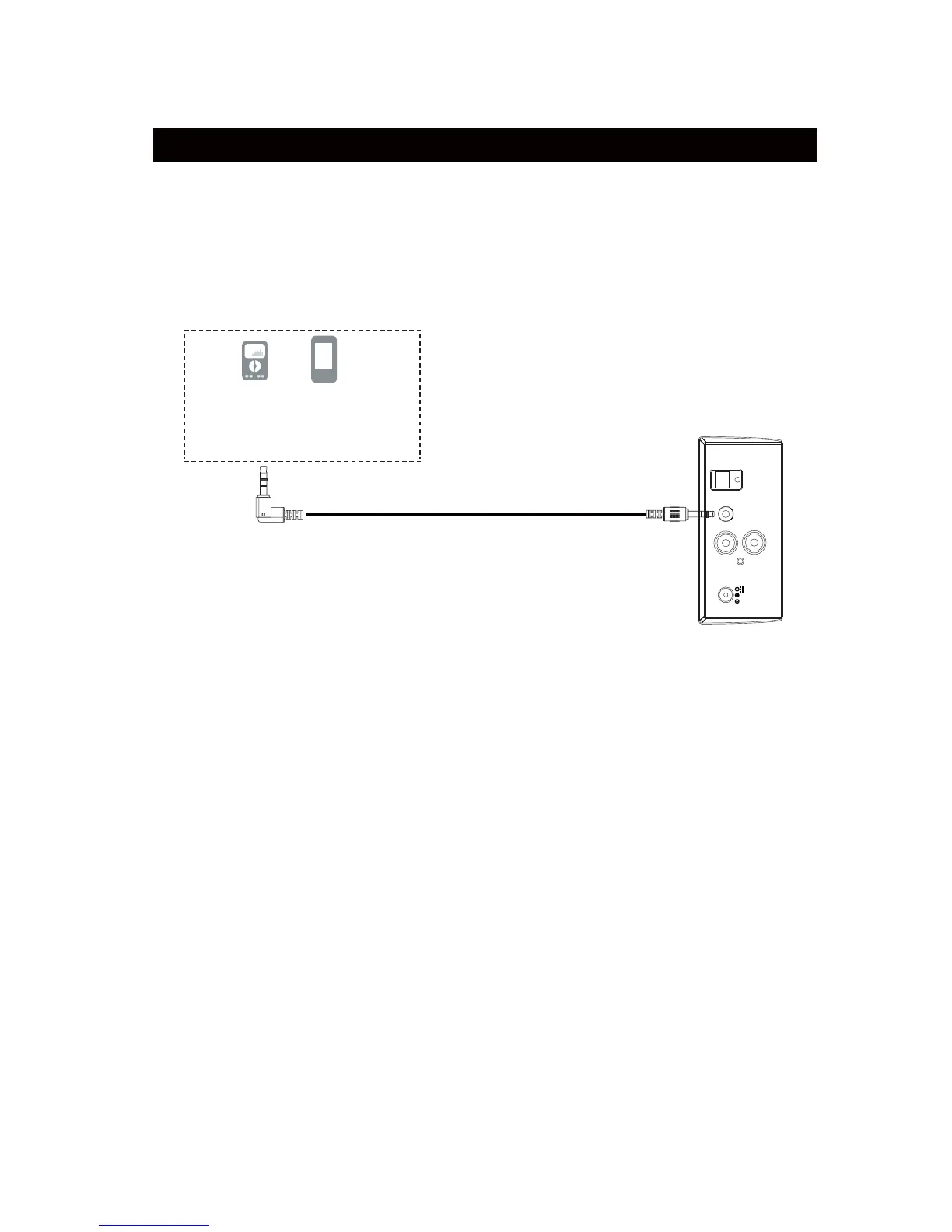
An external (Auxiliary) audio source (ie.,mobile phone, personal CD player or
MP3 player)
can be connected to this unit and heard through the speakers.
1. Plug one end of the Aux In cable into Aux In 1 jack of unit.
2. Plug the other end of the Aux In cable into headphone or line out socket of the
external
audio source.
3. Power on the unit as previously explained.
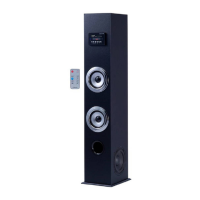
4. Press the POWER/SOURCE button on the unit or press the SOURCE button
on the Remote Control repeatedly until the color of the Indicator turns to 9iROHW.
5. Power on the connected external player and start playback as usual.
AUX IN 1 : LISTEN TO EXTERNAL AUDIO DEVICES
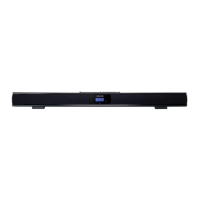
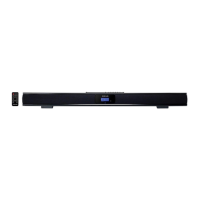
Top view of the unit
Mobile Phone
Connect to the Phones; AUX Out;
Line Out Jack of the external devices
(Such like MP3 Player; cell phones;
iPod/iPad ... etc)
MP3



 To Next Page