Install AMV Converter and Player in the computer
1. Insert the supplied installation CD into the CD Drive in your computer; the List of
Folders in the CD will appear on the computer’s screen automatically.
2. Selected the “MP3SET4 16” and enter.
3. Selected and double click “setup.exe” and follow the on-screen instructions to install
the software.
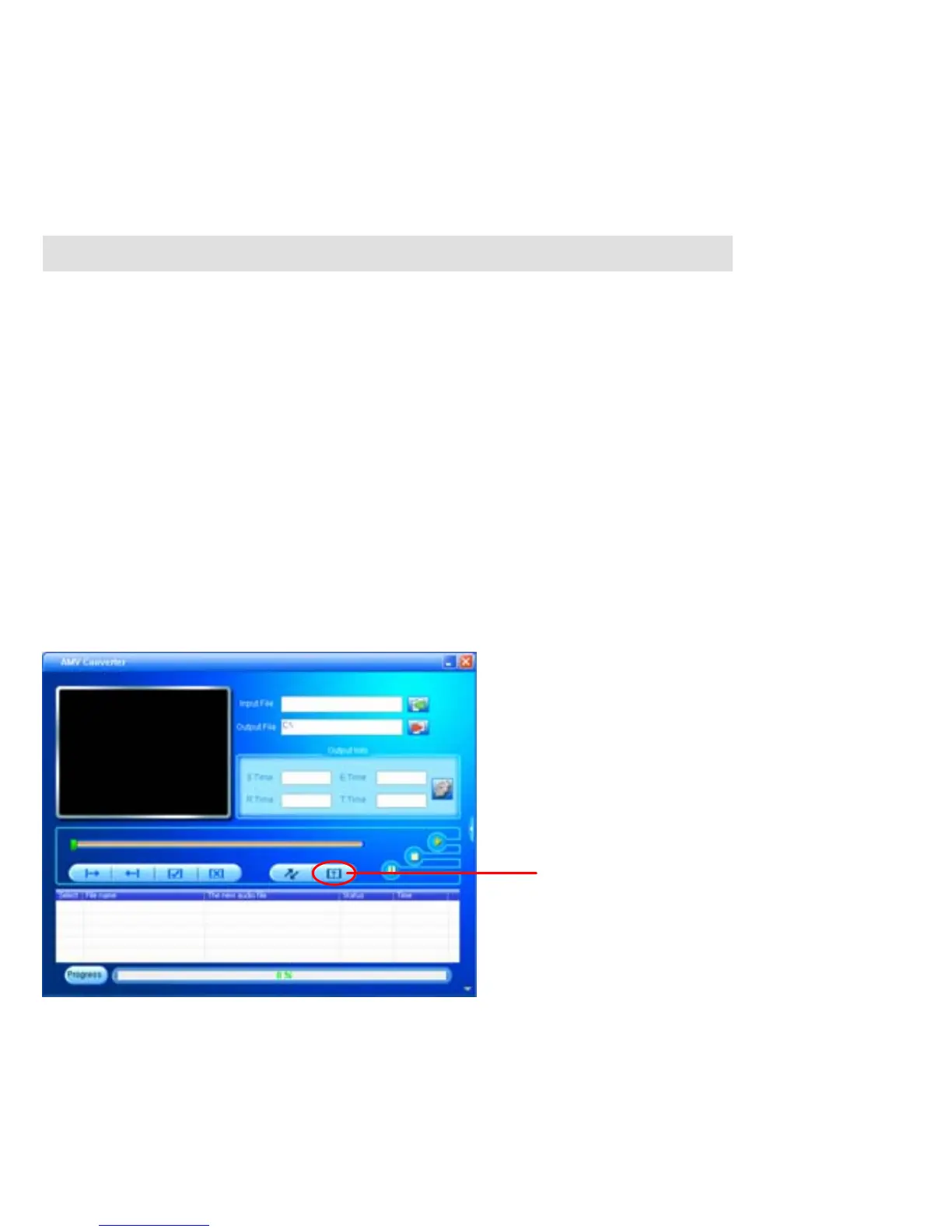
AMV Converter
After the installation of the AMV Converter, click “START” on your
computer, click “All Programs”, selected and double click “MP3 Player
Vtilities 4.16” to enter. Then selected and double click “AMV Converter”
to run the converter. The follows window will appear on the computer’s
screen:
HELP button
11



 To Next Page