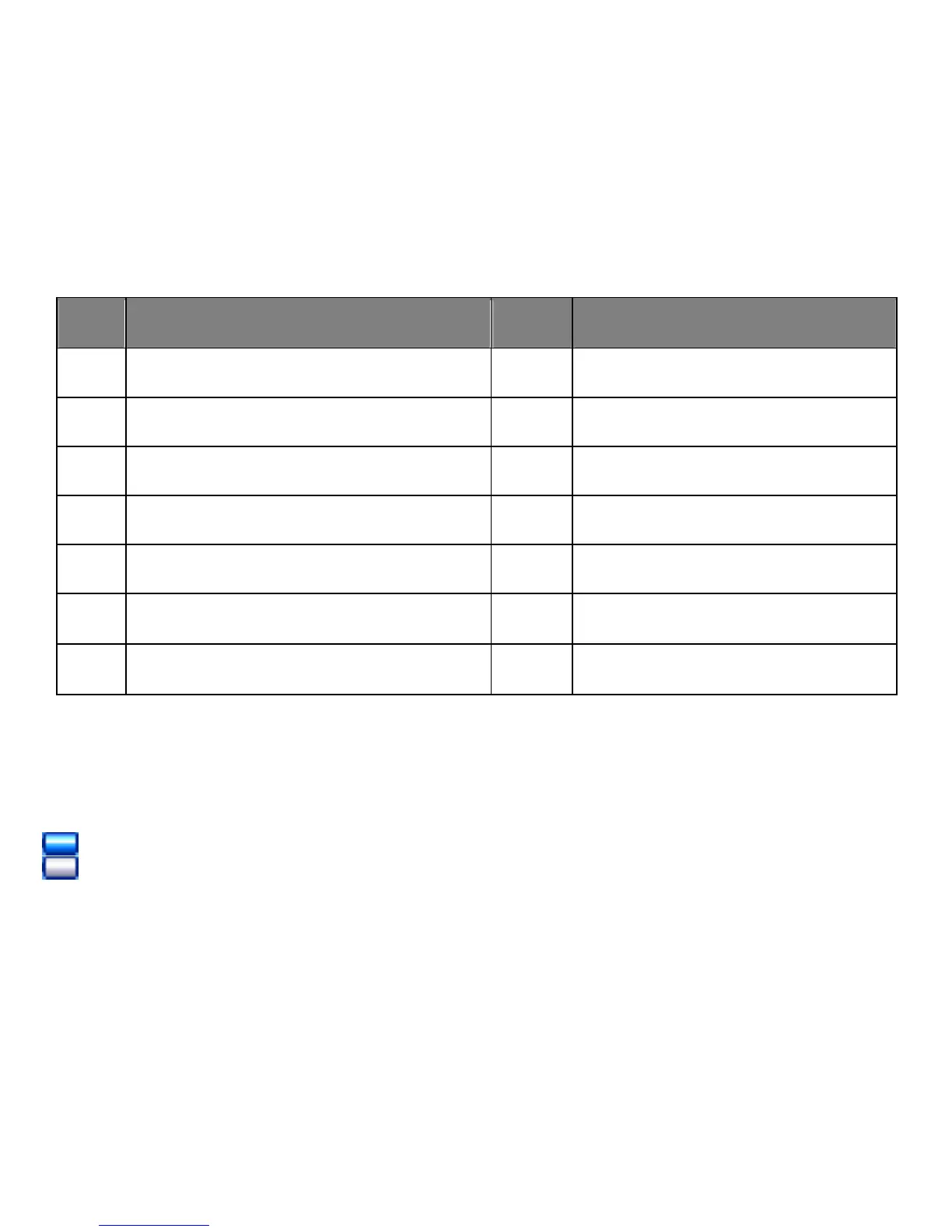
S/N Description S/N Description
1
EQ Mode
8
Current Song’sName
2
Repeat Mode
9
Lyric Indicator
3
Volume Level
10
Bitrate of current Track
4
Battery Meter
11
Elapsed Time
5
Total Numbers of Tracks
12
Elapsed Time of Current Track
6
Current Track Number
13
Format of Current Track
7
Real time Audio Spectrum
14
Current Folder’s Name
Battery Indicator
= Battery full power.
= Battery empty, connect the unit to the computer for recharging. It would take
about 4 hours to fully recharge the battery. During charging, you can playback the music,
videos or photos at the same time.
14



 To Next Page