A-B repeat, press the MENU button to save the setting and exit.
9.7 If replay gap is selected, press the >>I or I<< button to set the pause time between
the A-B repeats.
Lyric Display
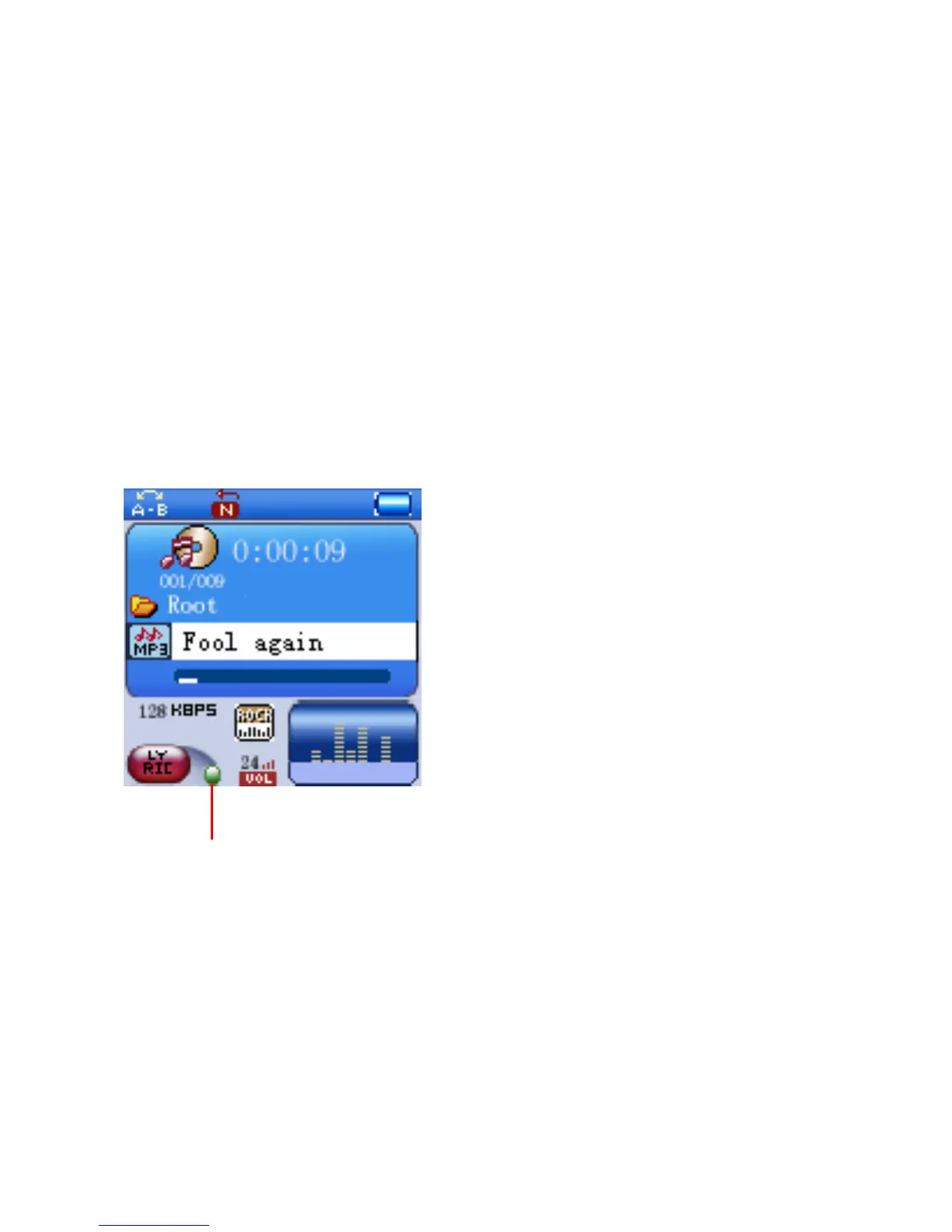
This player can supports “.LRC” lyric files. During playback, if the color of LYRIC
indicator from red turn to green as the figure below, it means the lyric files is available.
Press and hold the MENU button to read the lyric on the display. Press the MENU
button again to return to normal display.
Lyric indicator
21



 To Next Page