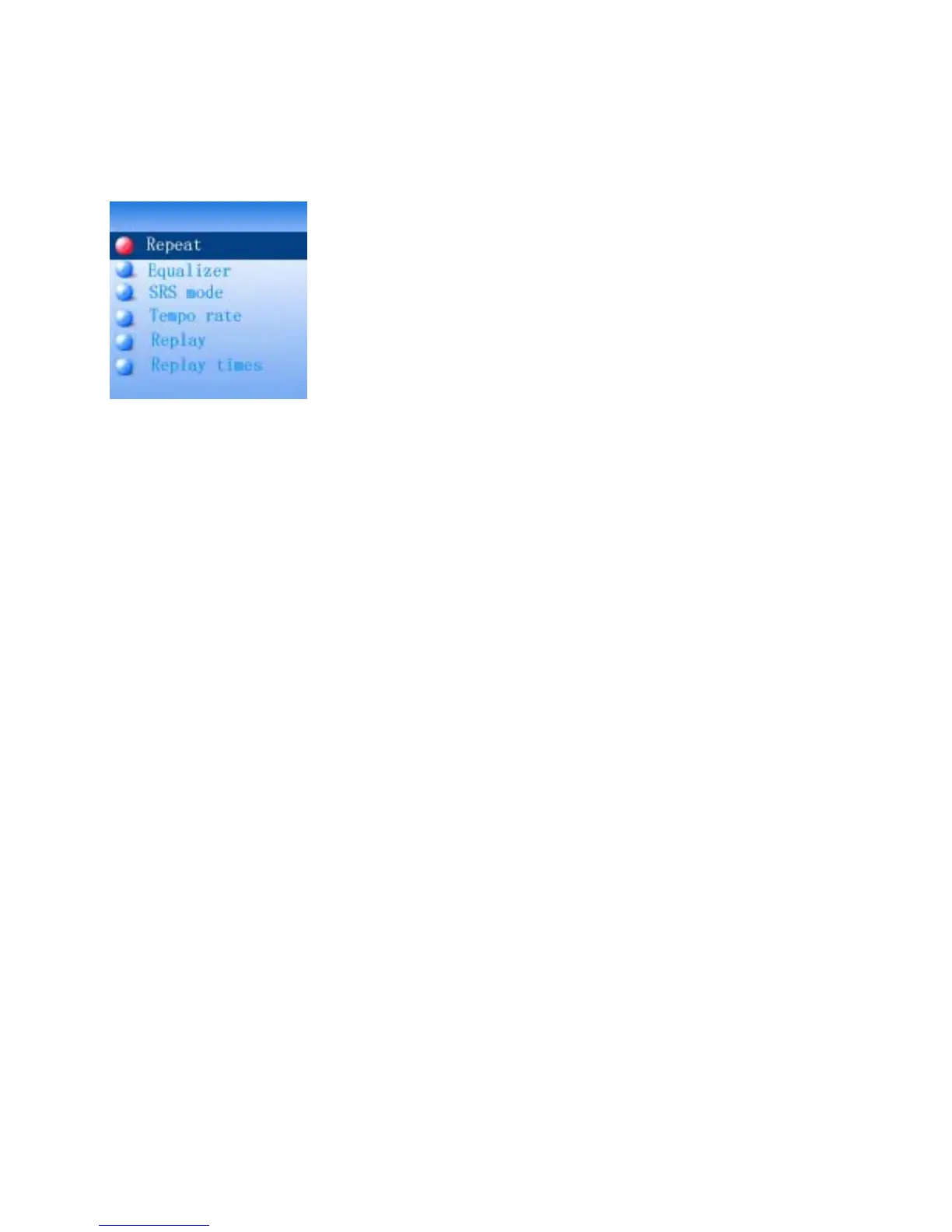
9.1 If Repeat is selected, press the >>I or I<< Buttons to select the setting and press
the MENU button to save the setting and exit as:
Normal: Plays all the tracks in the player one by one.
Repeat One: Repeat to play the current track.
Folder: Play the tracks in the current folder one by one and then stop.
Folder All: Repeat playback the tracks in the current folder.
Repeat All: Repeat to play all the tracks in the player.
Random: Playback the tracks in the player randomly.
Intro: Play the first 10 seconds of each tracks.
9.2 If Equalizer is selected, press the >>I or I<< button to select the preset sound
mode to Natural; Rock; Pop; Classic Soft, Jazz; DBB (Super Bass) as desire then
press the MENU button to save the setting and exit.
9.3 If SRS mode is selected, press the >>I or I<< button to select the setting and press
the MENU button to save the setting and exit as:
SRS WOW: To turn ON the SRS (Surround) effect.
User mode: To set the SRS effects as desire.
Disable SRS: To turn OFF the SRS effect.
9.4 If Tempo is selected, press the >>I or I<< button to select tempo rate from -8 to +8
then press the MENU button to save the setting and exit. (Note: Tempo rate only
operated in MP3 and Voice recording playback.)
9.5 If Replay is selected, press MENU button to activate A-B repeat mode. Press the
>>I button to set the beginning of the specific section, press again to set the end of
the specific section. The selected section will playback repeatedly until the >II
button is press. To resume normal playback, press the >II button again.
9.6 If Replay times is selected, press the >>I or I<< button to set the repeat times of
20



 To Next Page