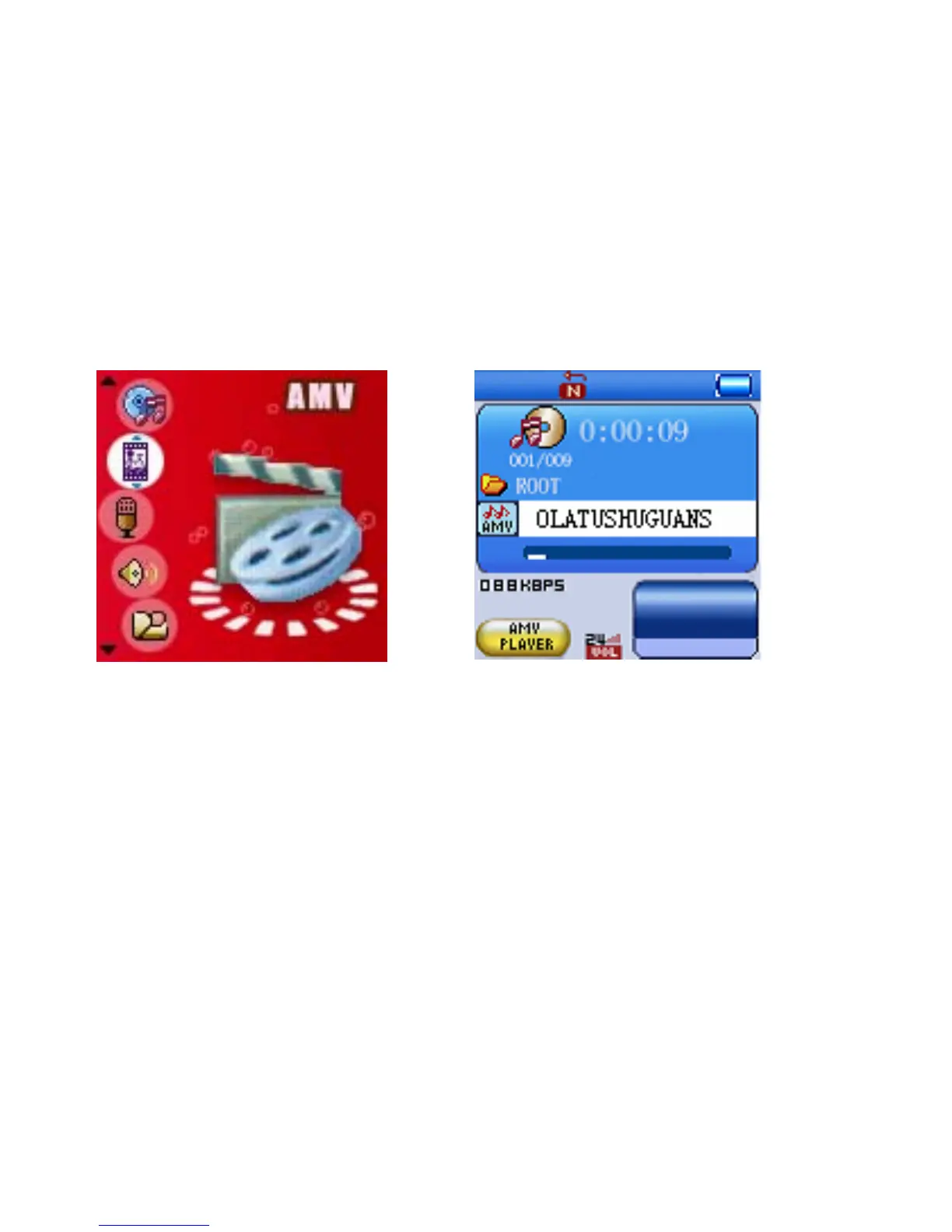
Watching Movies
1. Power on the player, the setting menu will appear on the display.
2. Press the >>I or I<< button to select AMV then press MENU button to enter, the
display will shows:
3. Press the >>I or I<< button repeatedly to searching the specific video tracks.
4. Press the >II button to start playback.
5. During playback, press >II button to pause, press again to resume normal
playback.
6. During playback, press the >>I or I<< button repeatedly to skip to the higher or
lower numbers track
7. During playback, press and hold the >>I or I<< button to fast searching the specific
section.
8. To adjust volume, press and hold the MENU button to return to the menu. Press
the VOL button, volume level will appear on the display, press the >>I or I <<
button to adjust volume as desire. Press >II button again to resume playback.
9. Press and hold the >II button or slide the power switch to off position to power off
the player.
22



 To Next Page