CRAMERTOOLS.COM
14
EN
Version 3 - 2022.09.22
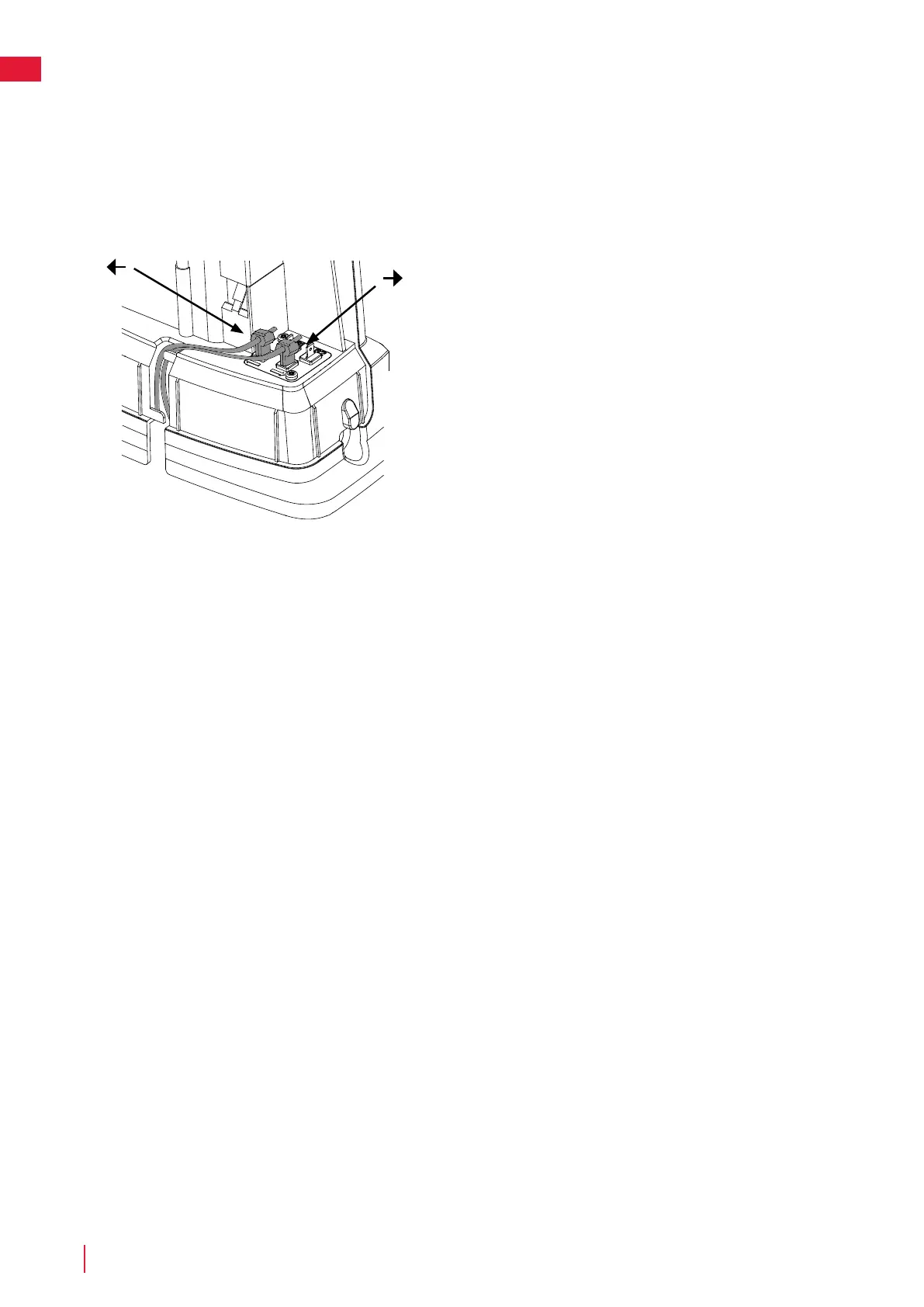
Connect the boundary wire to the charging station as follows:
1 Remove the protective cover on the charging station and thread
the wire behind the tabs into the channel at the rear of the
charging station.
2 Press the connector onto the metal pins on the charging station
(marked with left and right arrows).
NOTE: Make sure the boundary wire to the right of the charging station
is connected to the arrow pointing right and the same for the left side.
Installation



 To Next Page