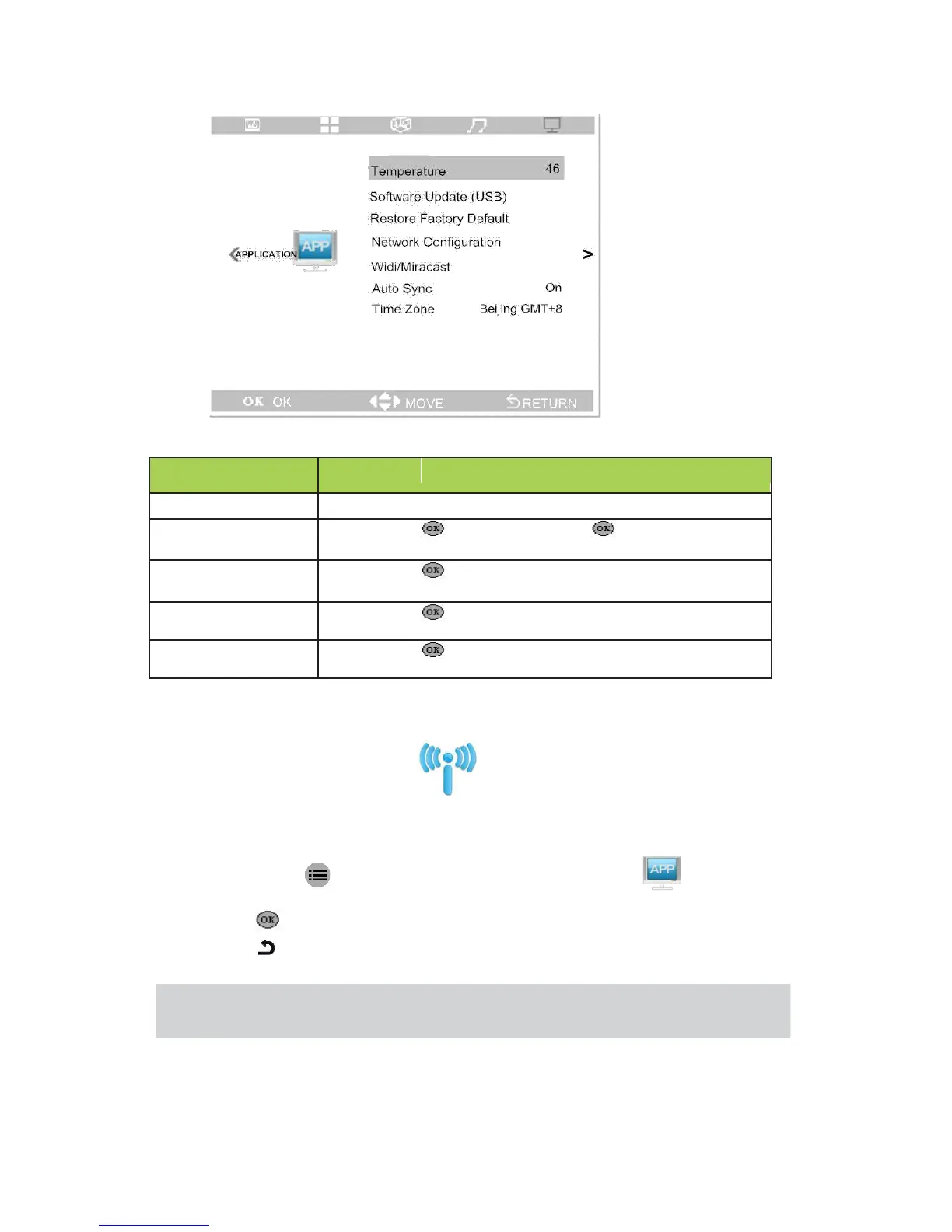
Wireless transmission screen
Open wireless transmission screen
If you want to use the function,do as follow steps:
1. Press button ,then press ◄ and ►, select “Application”
2. Press “▲” and “▼” ,select “Wireless transmission screen”
3. Press to enter into.
4. Press to exit when the device can’t support or unable to connect.
Note: The device that do wireless transmission screen with the projector need to be
equipped with wireless transmission screen APP.
17


 To Next Page