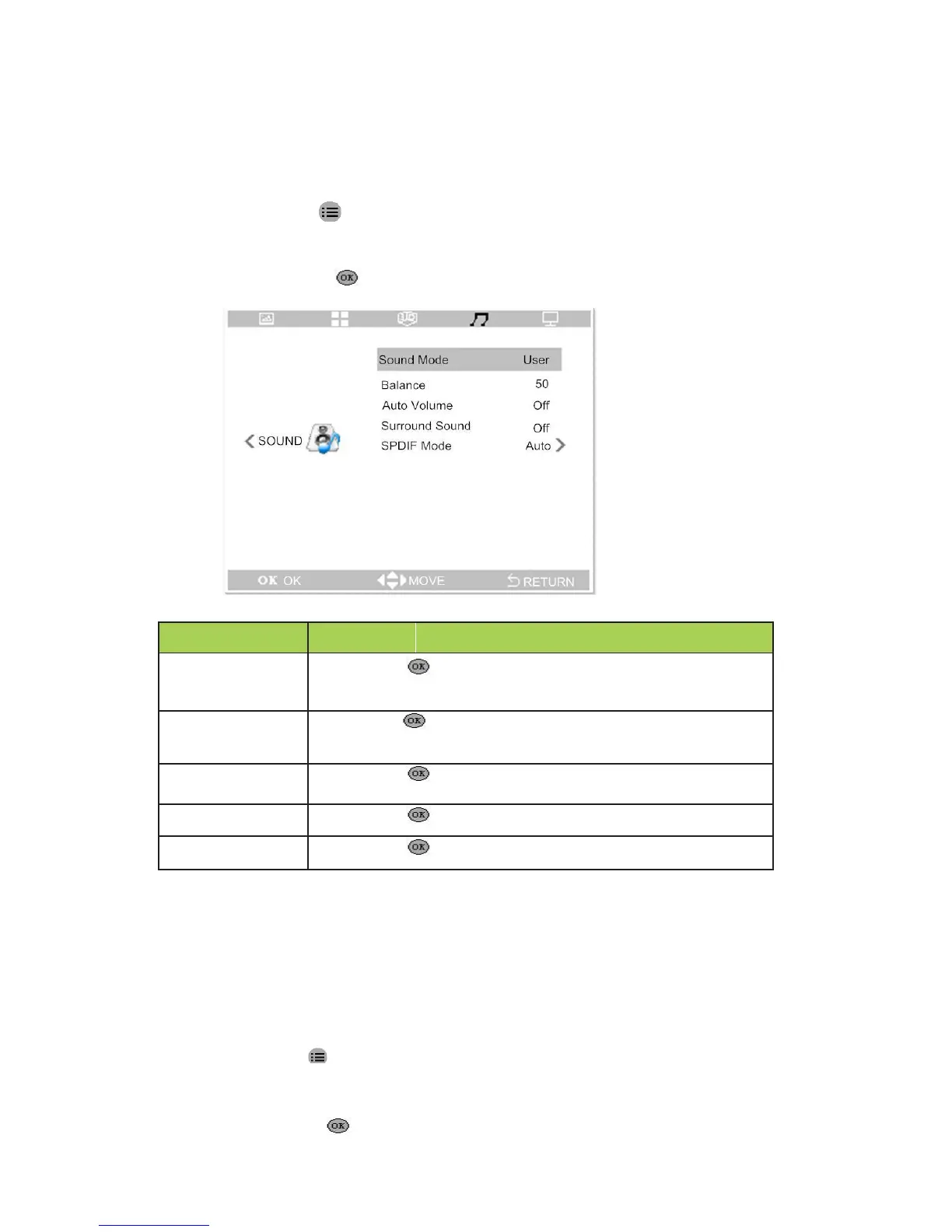
Sound Settings
To access the sound setting menu and adjust the settings, perform the following steps:
1. Press the key to enter the OSD menu.
2. Press buttons ◄ and ► to select the menu of sound.
3. Press button ▲and ▼ to move to the item needs to be adjusted.
4. Press the button to adjust the option settings.
to enter , then press buttons and to set the
sound mode.(Standard . Music .User. Sports )
,then press the buttons and to set the balance
of the left and right sound channel .
on or off function of automatic volume
on or off function of surround sound.
to set the mode of audio-out.(Auto,PCM)
Application Settings
To access the application setting menu and adjust the settings, perform the following
steps:
1. Press the key to enter the OSD menu.
2. Press buttons ◄ and ► to select the menu of application.
3. Press button ▲and ▼to move to the item needs to be adjusted.
4. Press the button to adjust the option settings.
16



 To Next Page