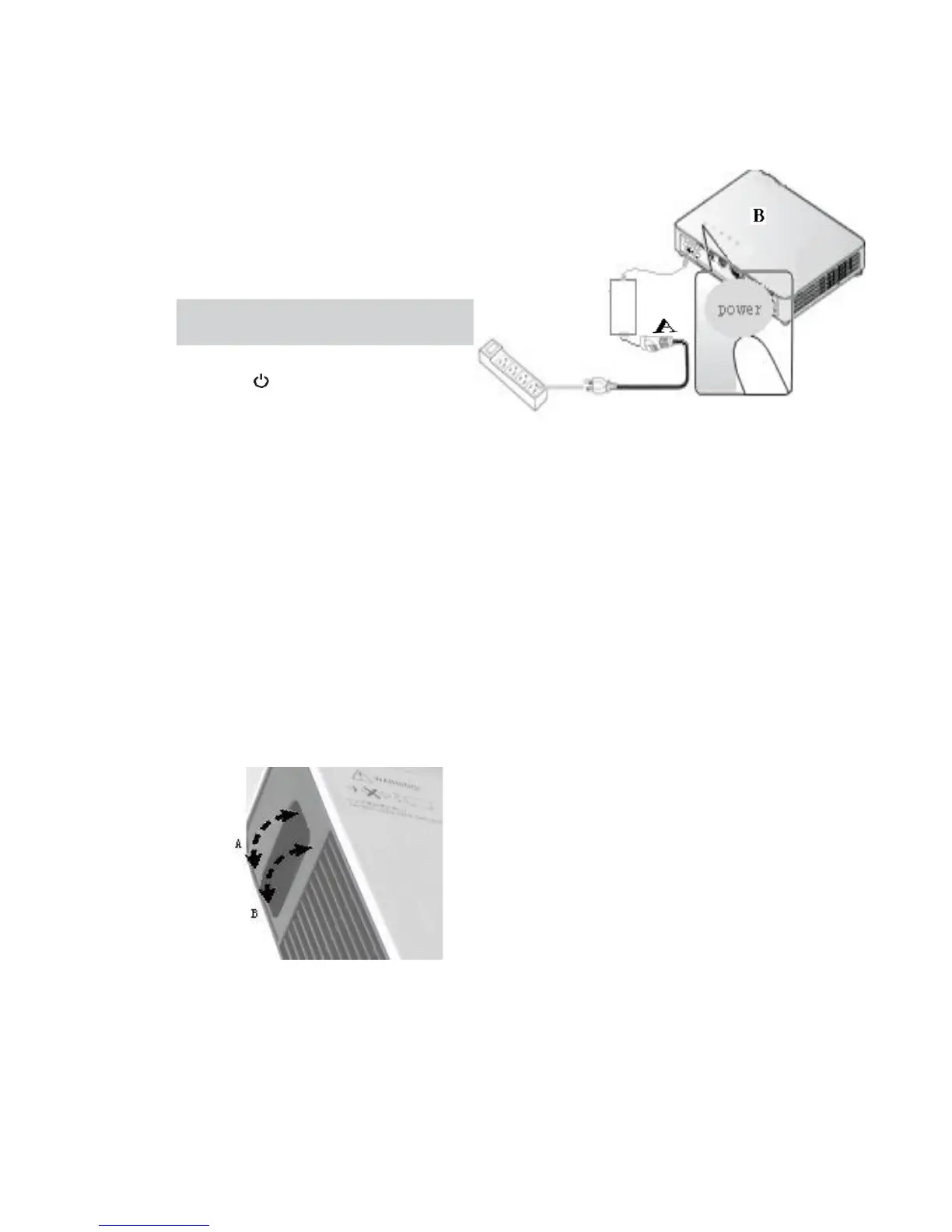
Turn on /off the Projector
1.
Connect the AC power cord to the
adapter's three hole socket (A),
connect the other end of the AC power
cord into a wall outlet.The output end of
the adapter is connected to the
projector (B).
Note: Make sure the flat side of the
output end of the adapter is up when
connecting the projector.
Adjust Image
Using image focusing control button (Located on the side of the
projector) Adjust the projected image sharpness(A).
Using image zoom control button (Located on the side of the
projector) Adjust the projected image size (B).
A
6


 To Next Page