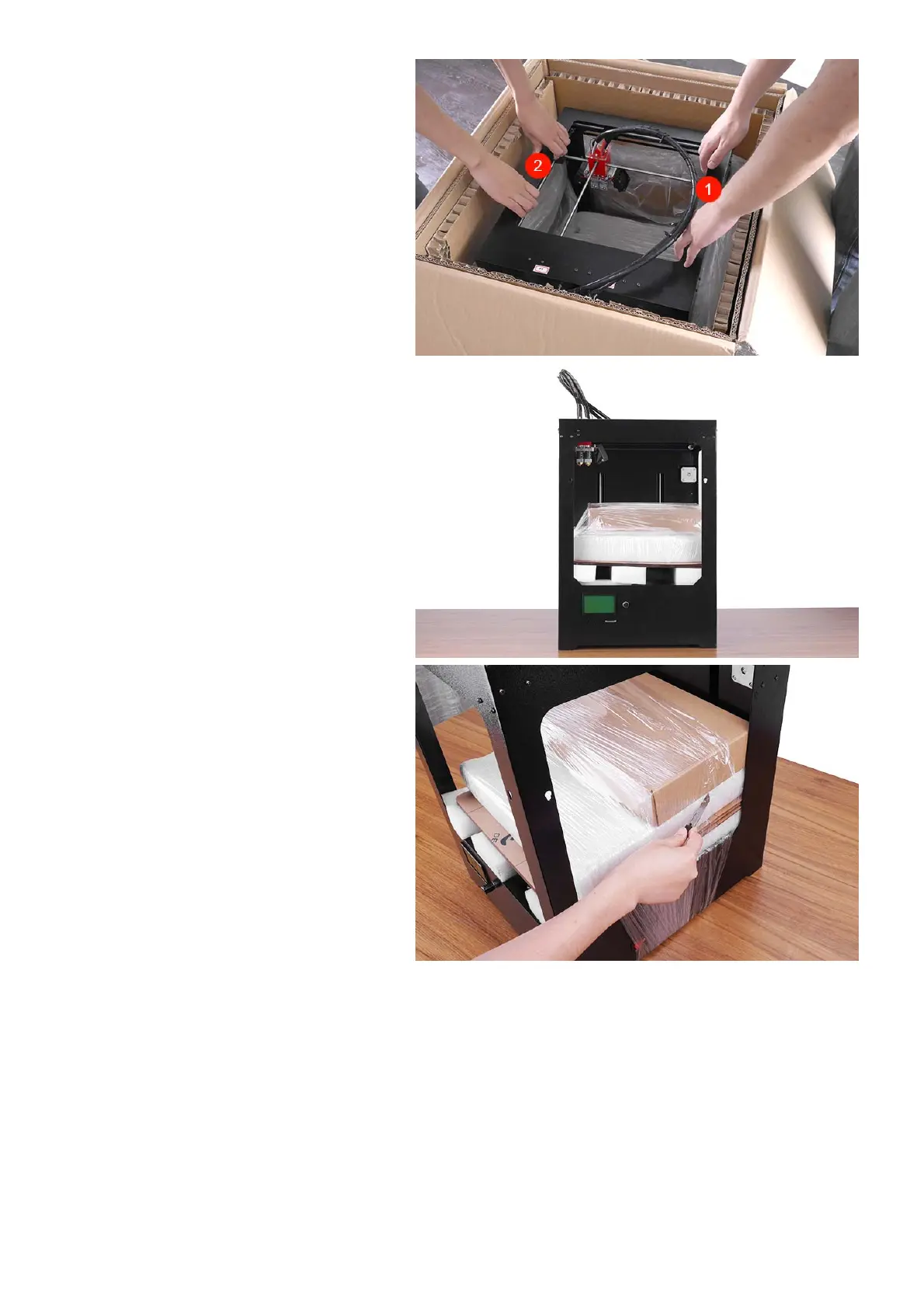
4Nowit’stimetotakeoutyourCreatBot3D
Printerfromthebox.Liftitoutbygraspingthe
frame.(notthebeltsorrails)firmlybutgentlyat
theleft①andright②ofthe3DPrinter.
5PlacetheCreatBot3DPrinteronthefloor.
Leaveenoughavailablespaceforunpacking
Caution:BecarefulNOTtogripthebeltorshaft
ofthemotionsystem.
6Removethestretchfilmaroundthe3D
printer.Youcanseealltheaccessories,tools
andfilaments.



 To Next Page