9
ENGLISH
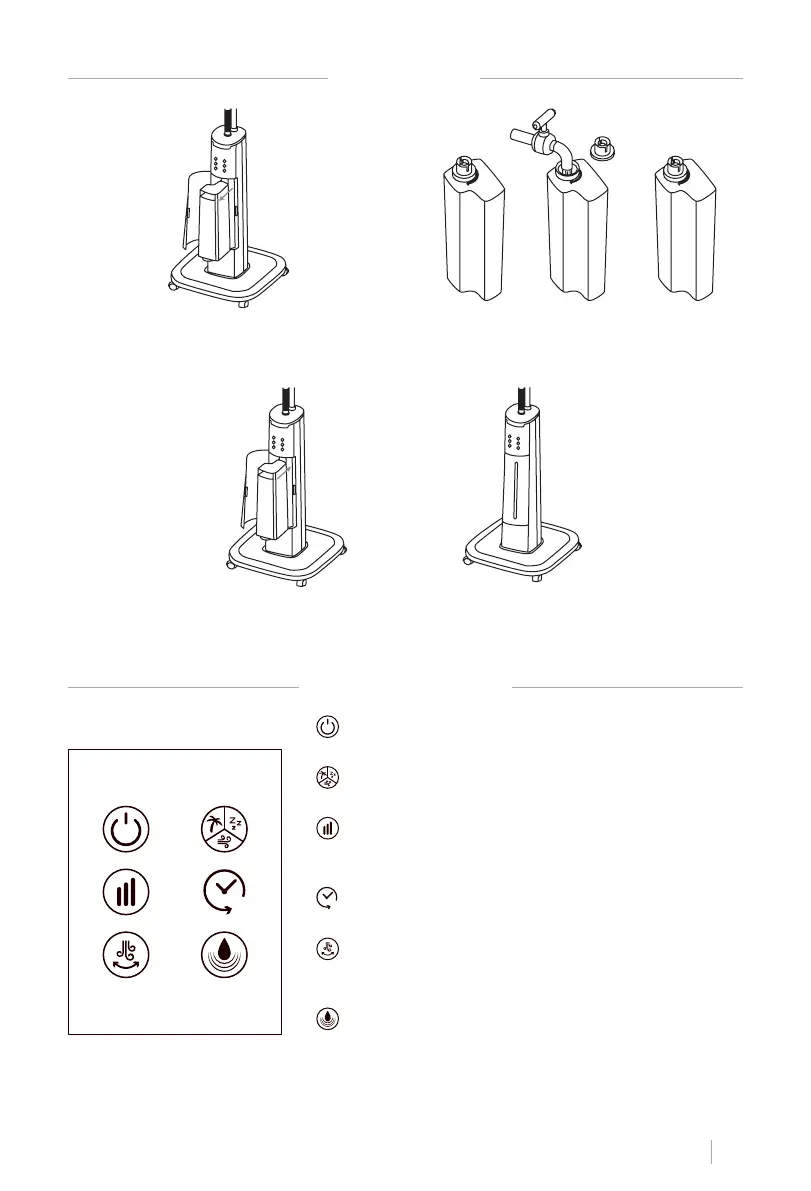
WATER TANK
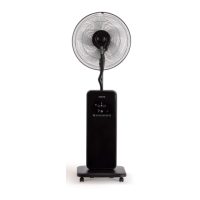
CONTROL PANEL
1. Open the compartment of the water tank
and remove it.
2. Remove the cap from the water tank, ll
the tank with water and close it again.
3. Reinsert the water tank into the nebulizer body unit, making sure the compartment is se-
curely closed.
On/Off. Button with which the nebulizer is turned on
and off.
Mdes. With this button you can choose between the 3
available modes; normal, natural and night mode.
Seeds. Press the speed button to select the speed you
want. You can choose between 3 speeds; slow, medium or
strong.
timer. You can set the time from 1h-9h in one hour in-
tervals.
Oscillation. Press the oscillation button to start the
nebulizer oscillating, if you want to stop it, press the but-
ton again.
Nebulizer. Press the button to activate the mist option.
You can use the mist option both with the fan running and
off.


 To Next Page