Need help?
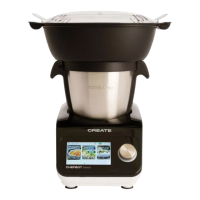
Do you have a question about the Create CHEFBOT TOUCH and is the answer not in the manual?
Guide on how to adjust the operating time for various functions.
Instructions for setting the desired cooking temperature for recipes.
How to select and adjust the motor speed for different cooking tasks.
Controls for initiating, temporarily halting, and ending the cooking process.
Recommendations for using accessories with specific functions and maximum ingredient quantities.
 General
| Brand | Create |
|---|---|
| Model | CHEFBOT TOUCH |
| Category | Kitchen Appliances |
| Language | English |

 To Next Page