EasyManua.ls Logo

Create CHEFBOT TOUCH - Setup Before Use

Create CHEFBOT TOUCH
96 pages
Print Icon
To Next Page IconTo Next Page
To Previous Page IconTo Previous Page
Loading...
9
ENGLISH
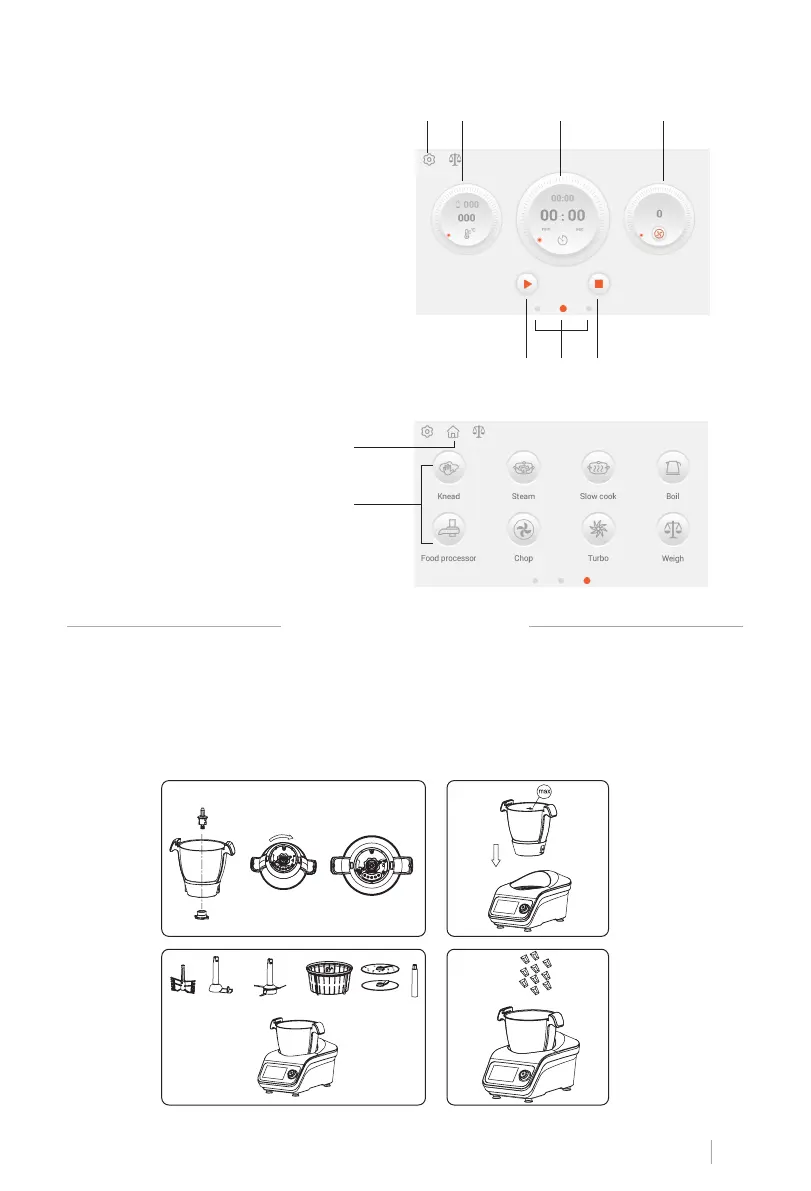
1. Setup Button
2. Temperature Button
3. Timer Button
4. Speed Button
5. Star/Pause Button
6. Stop Button
7. Interface shift dot
1. Home Button
2. Function Button
DISPLAY SCREEN
AUTO PROGRAMS
1
1
2
2
3 4
5 6 7
TO SET-UP BEFORE USE
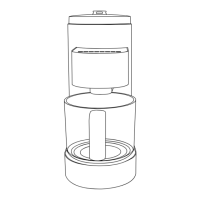
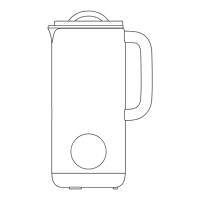
1. Place the drive shaft correctly locked into the jug.
2. Insert the Jug into the Main Unit. Press down rmly to lock into place.
3. Choose difference accessories for difference cooking purpose.
4. Add the ingredients or water to the jug. If need food processor function. Then you need
to attach food processor lid and put ingredients directly through food dispenser.
1 2
3 4

Table of Contents

Related product manuals