7
ENGLISH
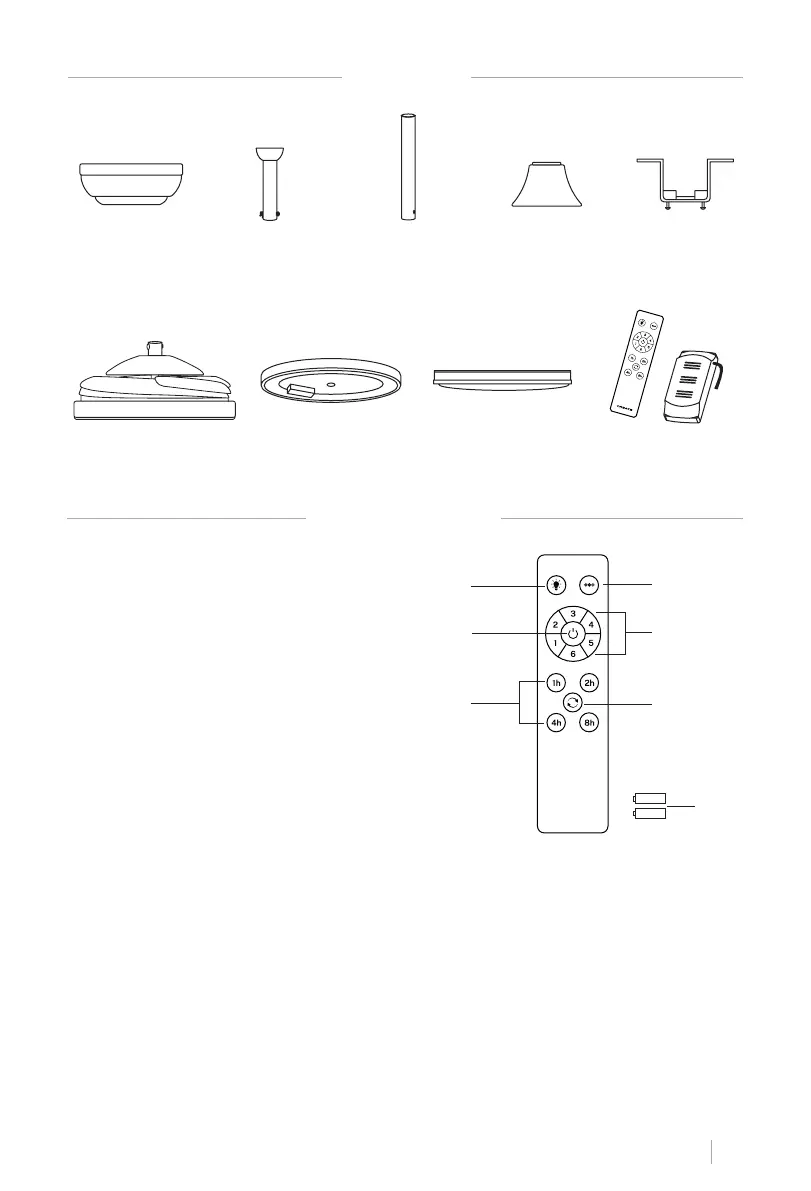
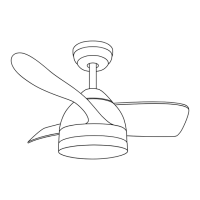
PARTS LIST
REMOTE CONTROL
Rosette TrimBar Bar of
extension
Support
Mounting
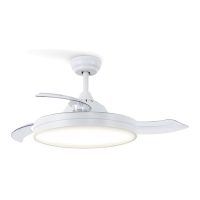
Fan body Light plate Decorative screen Remote control
• Turn on the fan by pressing the On/Off button.
• Change the airow direction (winter / summer function) by pressing the reverse function
button with the fan on. It doesn't work when the fan is off. The blades will stop spinning to
start again in the opposite direction by simply pressing the button once.
• Turn the light on and off by pressing the light button.
• Press the Power Levels button to increase the fan speed after power on.
** Feature only available with LED board installed.
1. **Light
2. ON/OFF button
3. Timer
4. **Color temperature control
5. Fan intensity control
6. Reverse function
7. Batteries (2xAAA)
1
2
3
4
7
6
5


 To Next Page