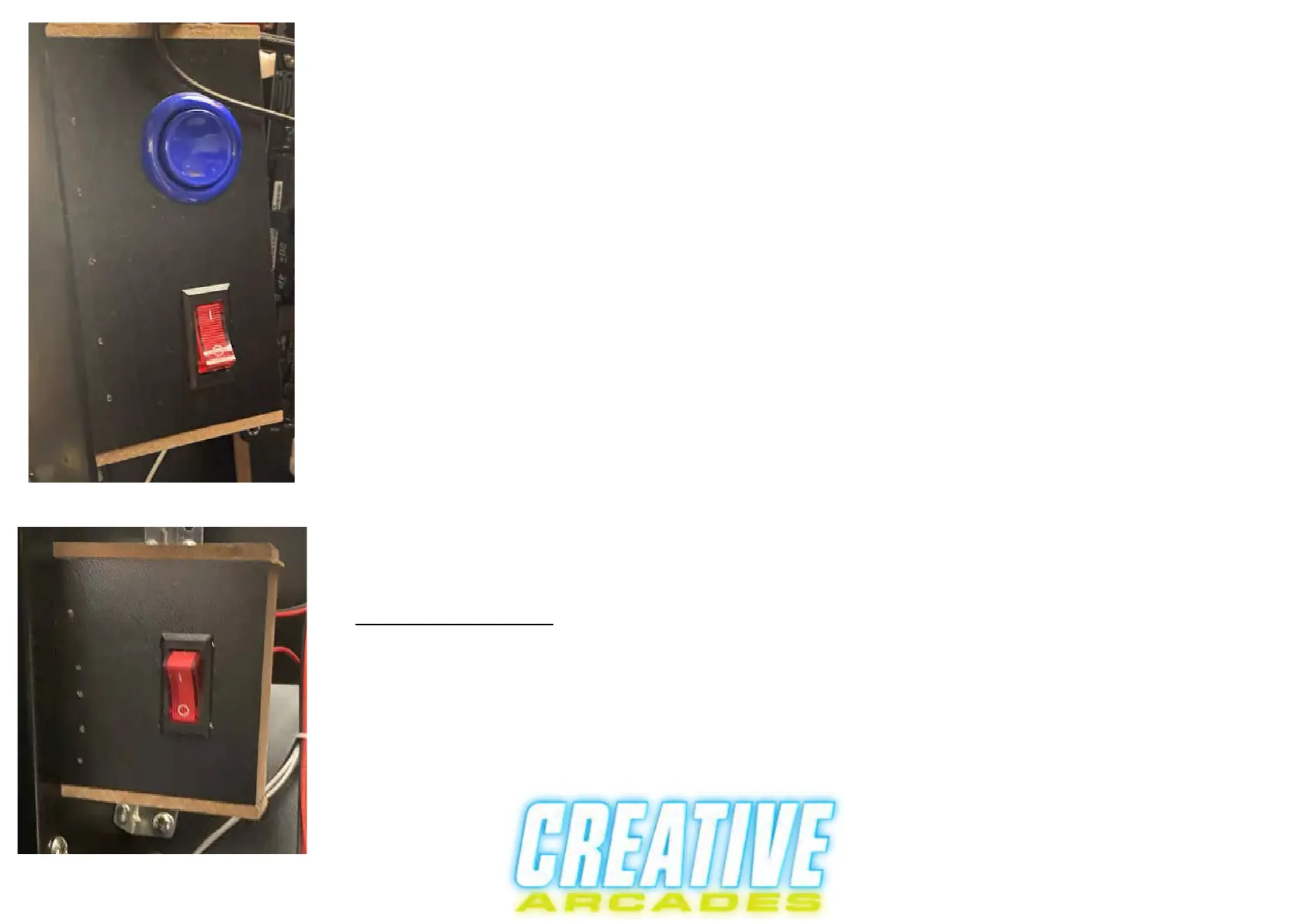
To finish setting up your machine to take quarters you must de-activate the freeplay
button on the control panel and to do this you must open up the machine on the coin
door side and look up to the right and you should see something similiar to figure f.
Figure F
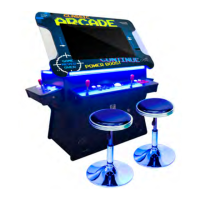
The other switch that is behind the back door of the machine is to turn off the LED
lights that are on the outside of the video game unit.
De-activate freeplay when using coin acceptor
The blue button is the freeplay button and the red switch is to turn off the freeplay
button that is on the control panel.
***IMPORTANT*** To activate FreePlay again, the switch must be flipped back on
to use the freeplay button on the main control panel
LED Light Controls
Note that this process is for our Lift top Model


 To Next Page