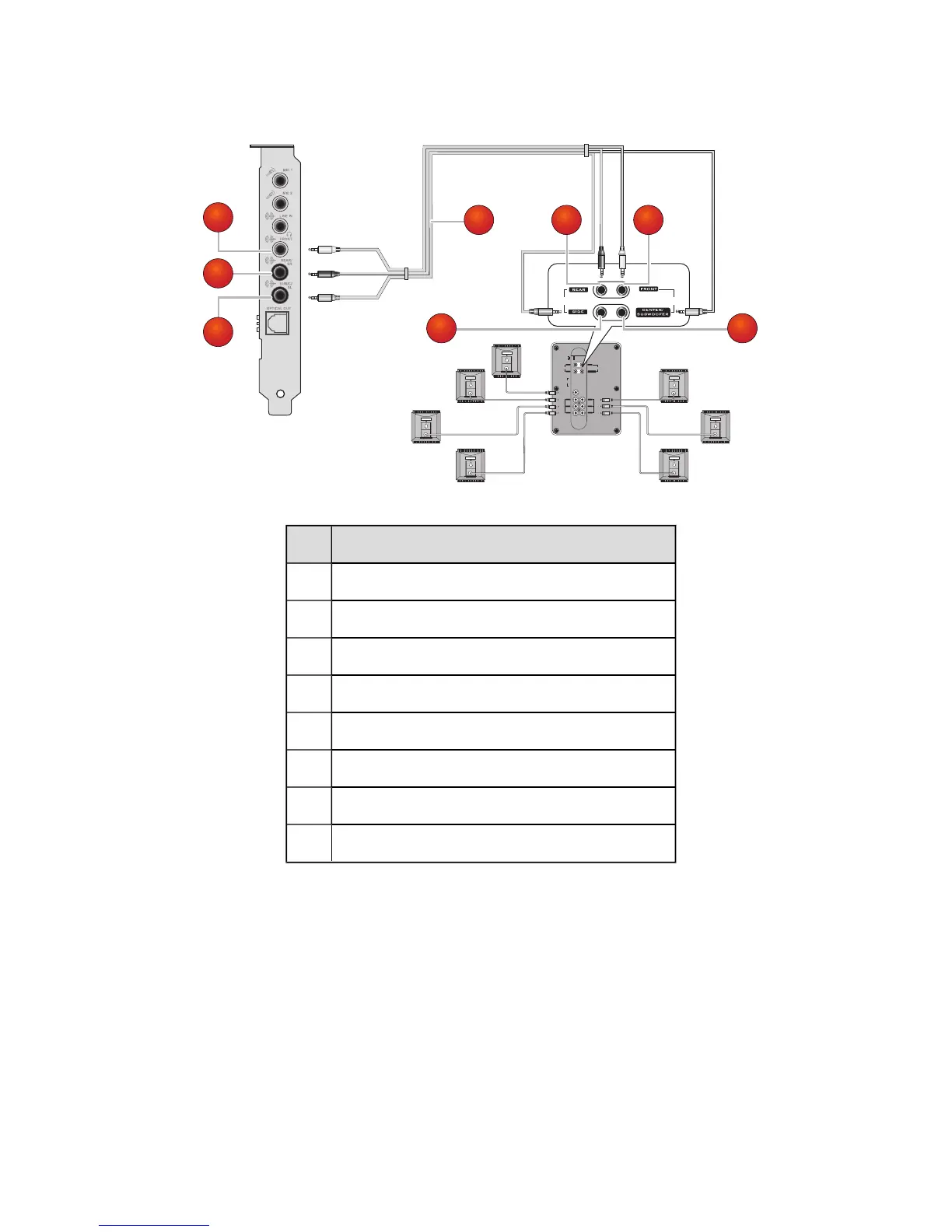
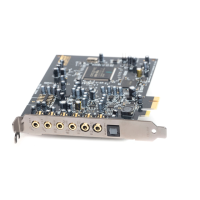
Jack, Connector or Cable
1.
Line Out 1 jack
2.
Line Out 2 jack
3.
Line Out 3 jack
4.
7.1 channel audio cable (available separately)
5.
Front (Audio Input) connector
6.
Rear (Audio Input) connector
7.
Center/Subwoofer (Audio Input) connector
8
Side (Audio Input) connector
Notes
l When you are using 7.1 channel analog speakers with your audio card, make sure you
select the 7.1 Speakers option on the Speakers & SPDIF I/O Settings in Sound
Blaster Audigy 5/Rx Control Panel to experience 7.1 channel audio.
Connecting Analog Speaker Systems 23









 To Next Page