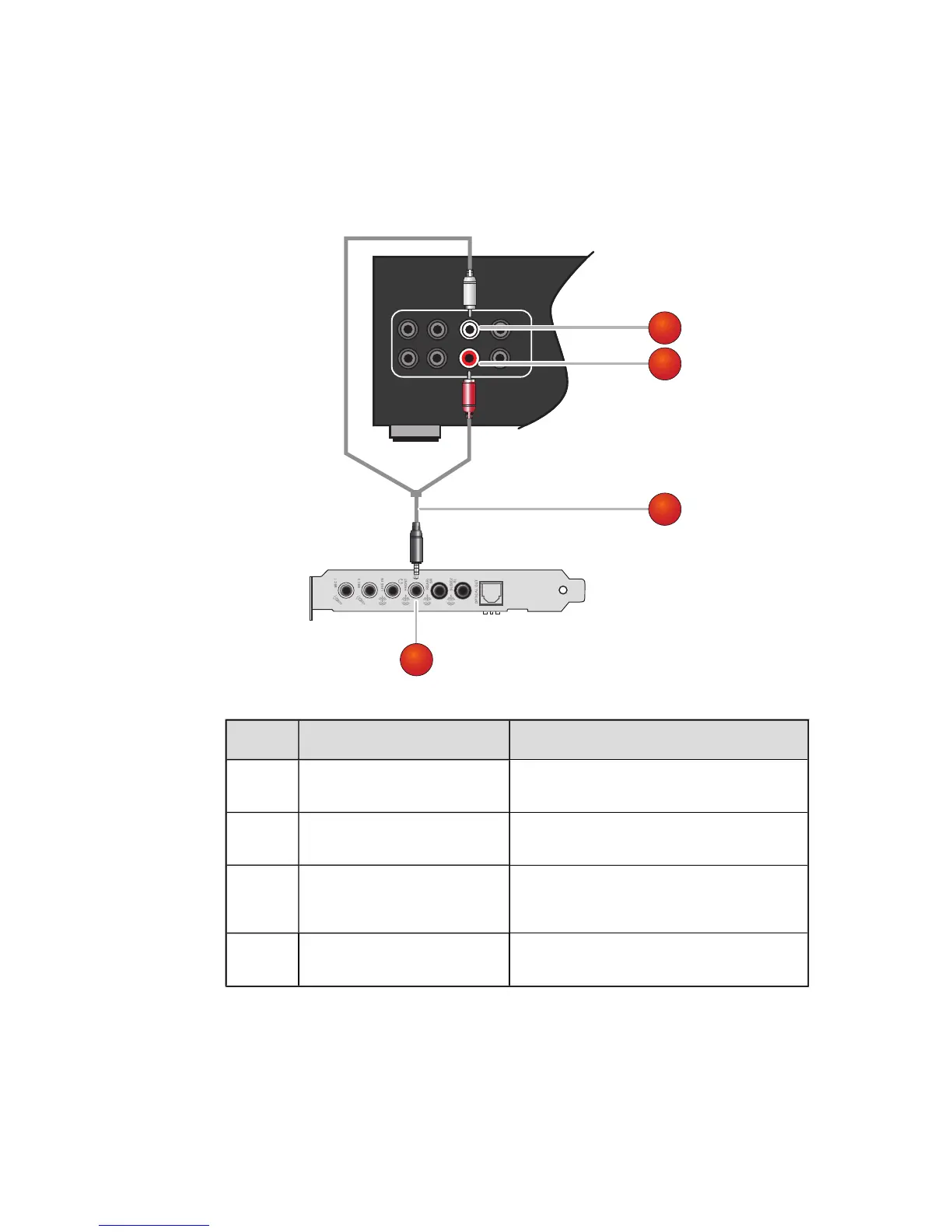
Connecting a multichannel AV Amplifier
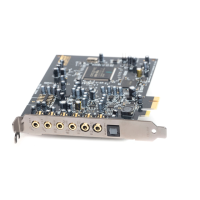
l If you have a multichannel AV Amplifier, connect it directly to the Sound Blaster Audigy 5/Rx audio
card's Line Out 1, Line Out 2 and Line Out 3 jacks as shown below. For more information on
multichannel AV Amplifier speaker connections, consult the User's Guide of your AV Amplifier.
l For more information on the appropriate jacks to use, see Connecting Speakers.
Jack, Connector or Cable Description
1. Front Left connector
Connects to the Line Out 1 jack on the Sound
Blaster Audigy 5/Rx.
2. Front Right connector
Connects to the Line Out 1 jack on the Sound
Blaster Audigy 5/Rx.
3.
3.5 mm (1/8-inch) stereo
-to-RCA cable (available sep-
arately)
Connects the Sound Blaster Audigy 5/Rx and
AV Amplifier.
4. Line Out 1 jack
Connects to the Front Left and Front Right con-
nectors on an AV Amplifier.
Connecting Related Peripherals 13









 To Next Page