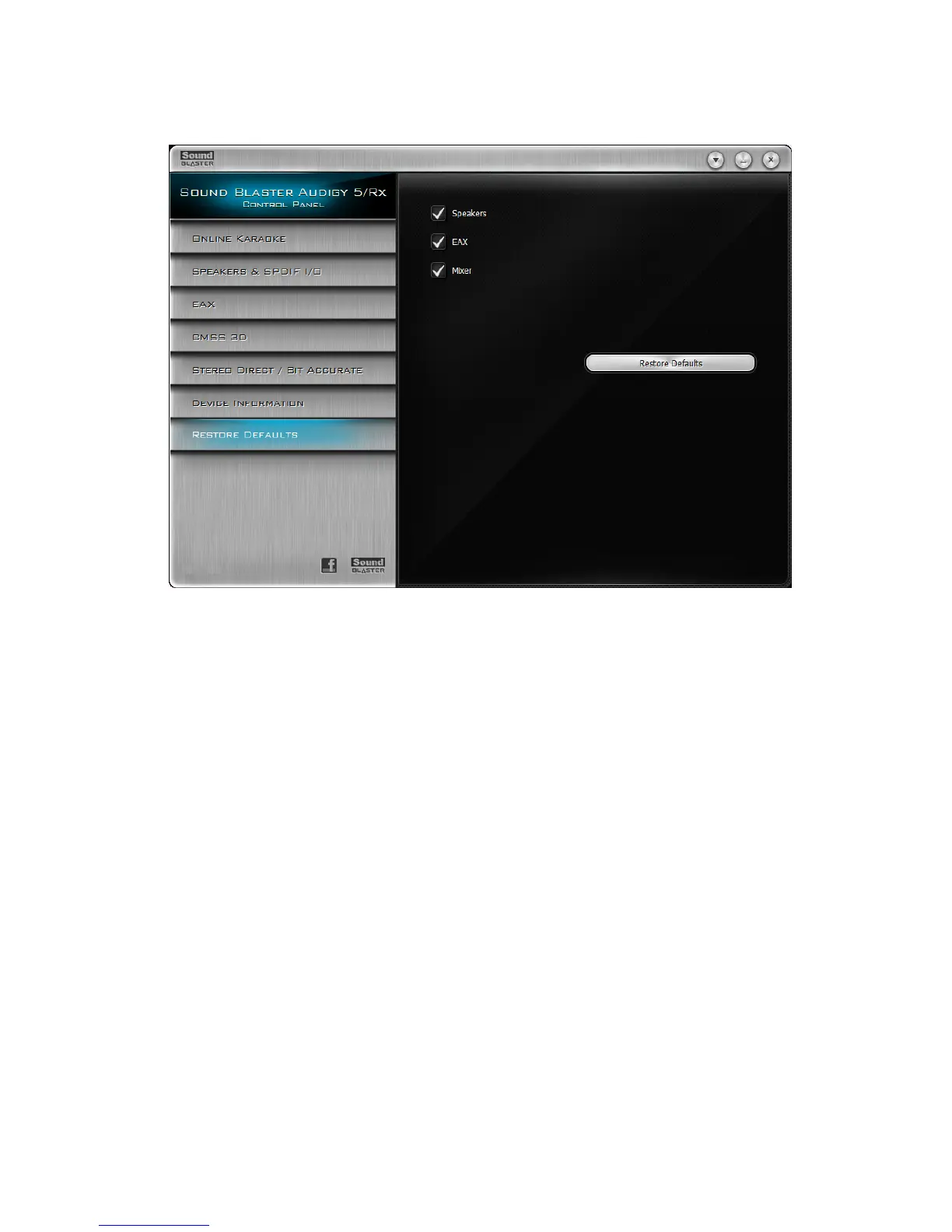
Restore Defaults Settings
Restoring default settings
1. Click the Restore Defaults tab.
2. The right panel shows three defaults, the Speakers, EAX, and Mixer checkboxes. To restore any of
these to their default settings:
i. Click the Speakers checkbox.
The default setting is the selected speaker configuration during installation.
ii. Click the EAX checkbox.
The default audio effects setting is the No Effects preset.
iii. Click the Mixer checkbox.
All mixer levels are set to factory default settings.
3. Click the Restore Defaults button.
Using Your Sound Blaster Audigy 5/Rx Control Panel 35









 To Next Page