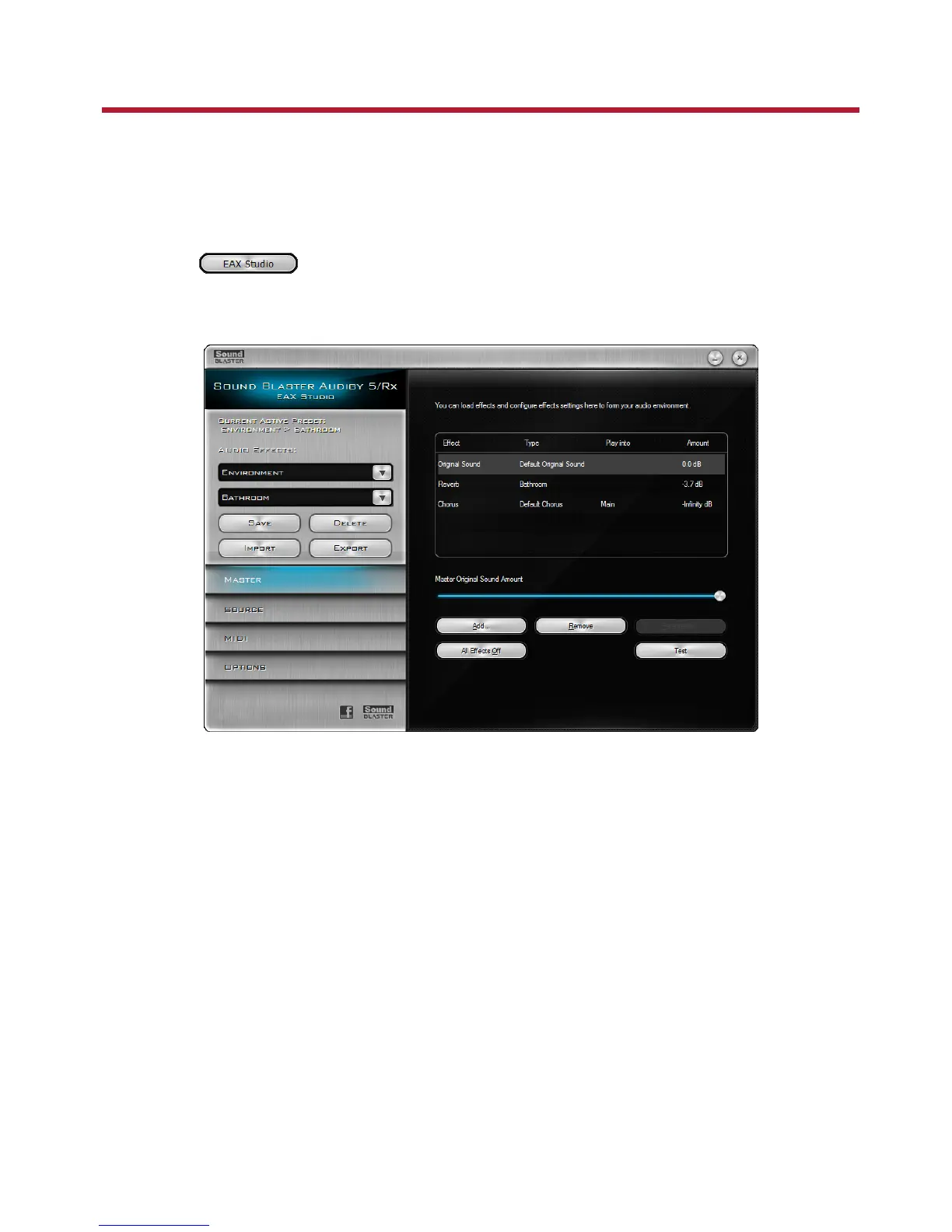
Using Your Sound Blaster Audigy 5/Rx EAX Studio
Sound Blaster Audigy 5/Rx EAX Studio offers dramatically increased 3D audio performance and
functionality, delivering superior audio fidelity and fully customizable environmental effects with import
and export functions, for an unsurpassed karaoke experience.
Launching Sound Blaster Audigy 5/Rx EAX Studio:
1. Go to Sound Blaster Audigy 5/Rx Control Panel, and click the EAX tab.
2.
Click the button.
By default, the Sound Blaster Audigy 5/Rx EAX Studio opens to its Master tab.
Using Your Sound Blaster Audigy 5/Rx EAX Studio 36









 To Next Page