Installing Software 3-3
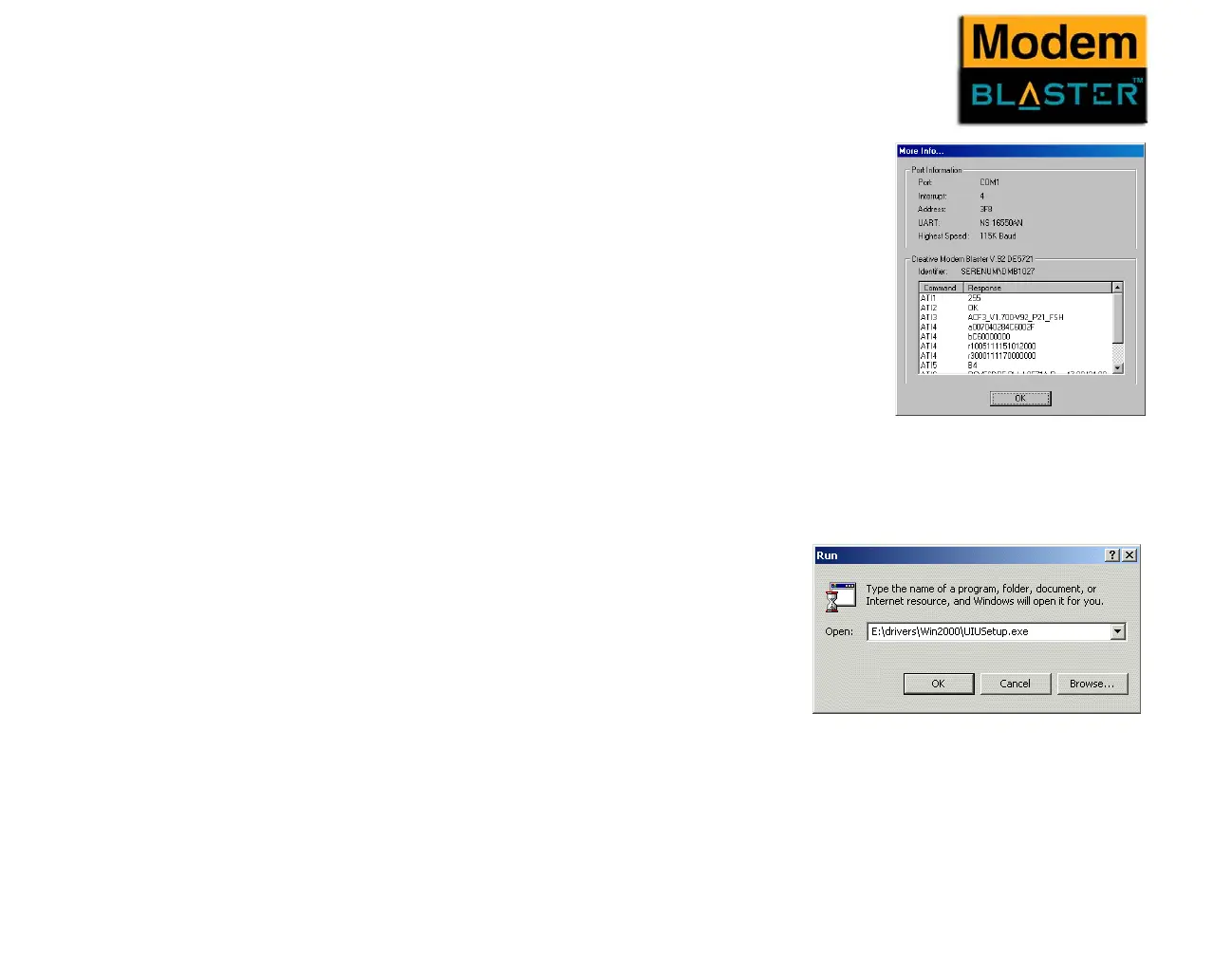
5. Click the More Info button to display the response status of your
modem.
You should see a dialogue box similar to Figure 3-2.
If your modem is not responding, it may be due to a conflict
between the modem and another peripheral device. To resolve the
conflict, you must change the settings of your modem.
See “Resolving Hardware Conflicts” on page B-2.
Installing Drivers
in Windows
2000
1. Insert the Installation CD into the CD-ROM drive.
2. Click Start -> Run.
3. When a dialogue box similar to Figure 3-3 appears,
click the Browse button and locate the file
UIUSetup.exe in E:\Drivers\Win2k (where E: is
your CD-ROM drive).
4. Click the OK button.
5. Restart your computer.
Figure 3-2
Figure 3-3



 To Next Page