Uninstalling Modem Drivers 4-5
Uninstalling the
Modem in
Windows XP
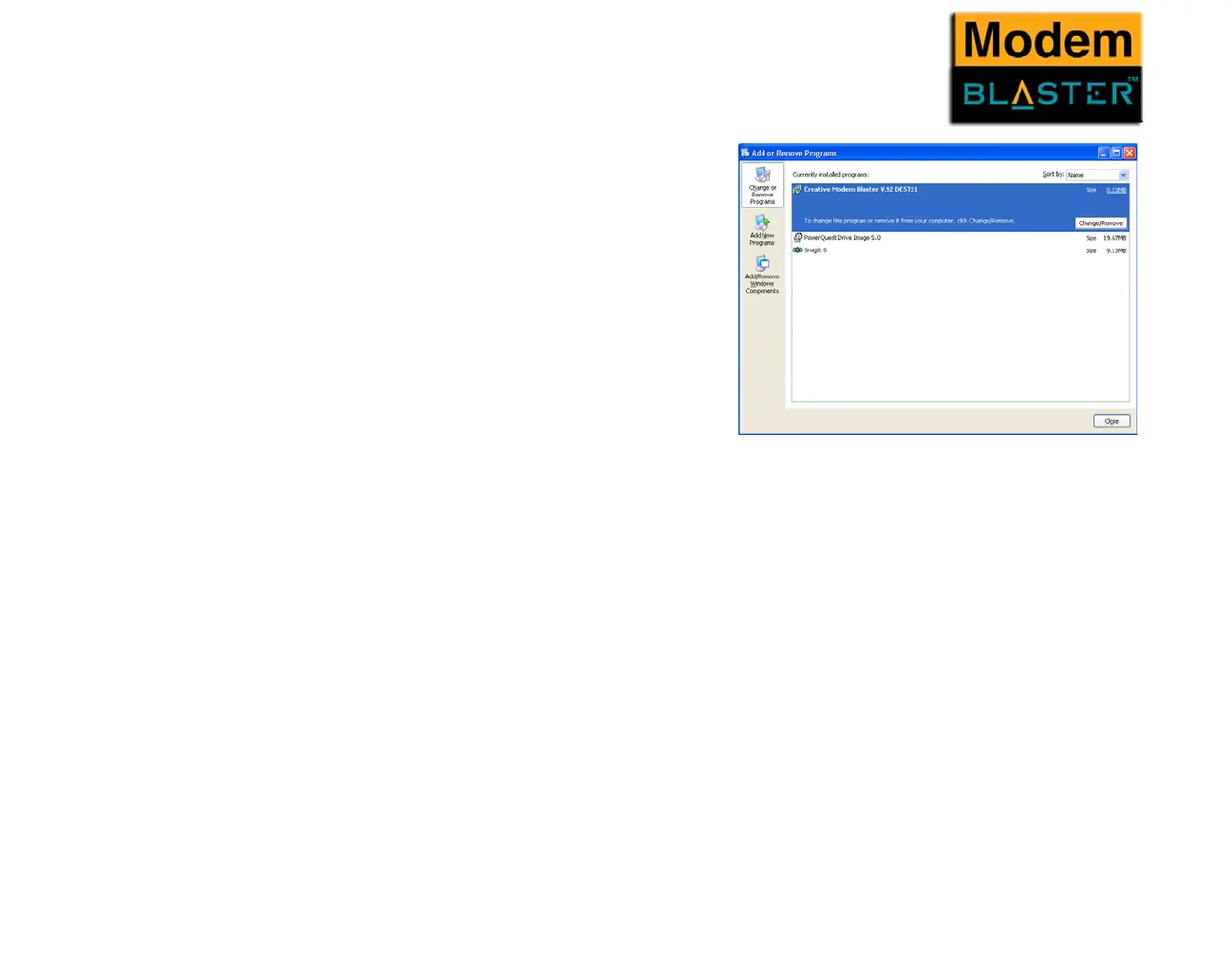
1. Click Start -> Control Panel.
2. Double-click the Add/Remove Programs
icon.
3. When a dialogue box appears, click the
Change or Remove Programs button.
4. Click Creative Modem Blaster V.92
DE5721, and then click the Change/
Remove button.
5. Click the Close button.
6. Turn off your computer and disconnect the
modem from your system.
Figure 4-4: The Add/Remove Programs dialogue box.



 To Next Page