Installing Software 3-7
Installing
NetWaiting
In order to use the Modem On Hold functions, you must install NetWaiting. Modem On Hold is supported
in Windows 98 SE, Me, 2000 and XP.
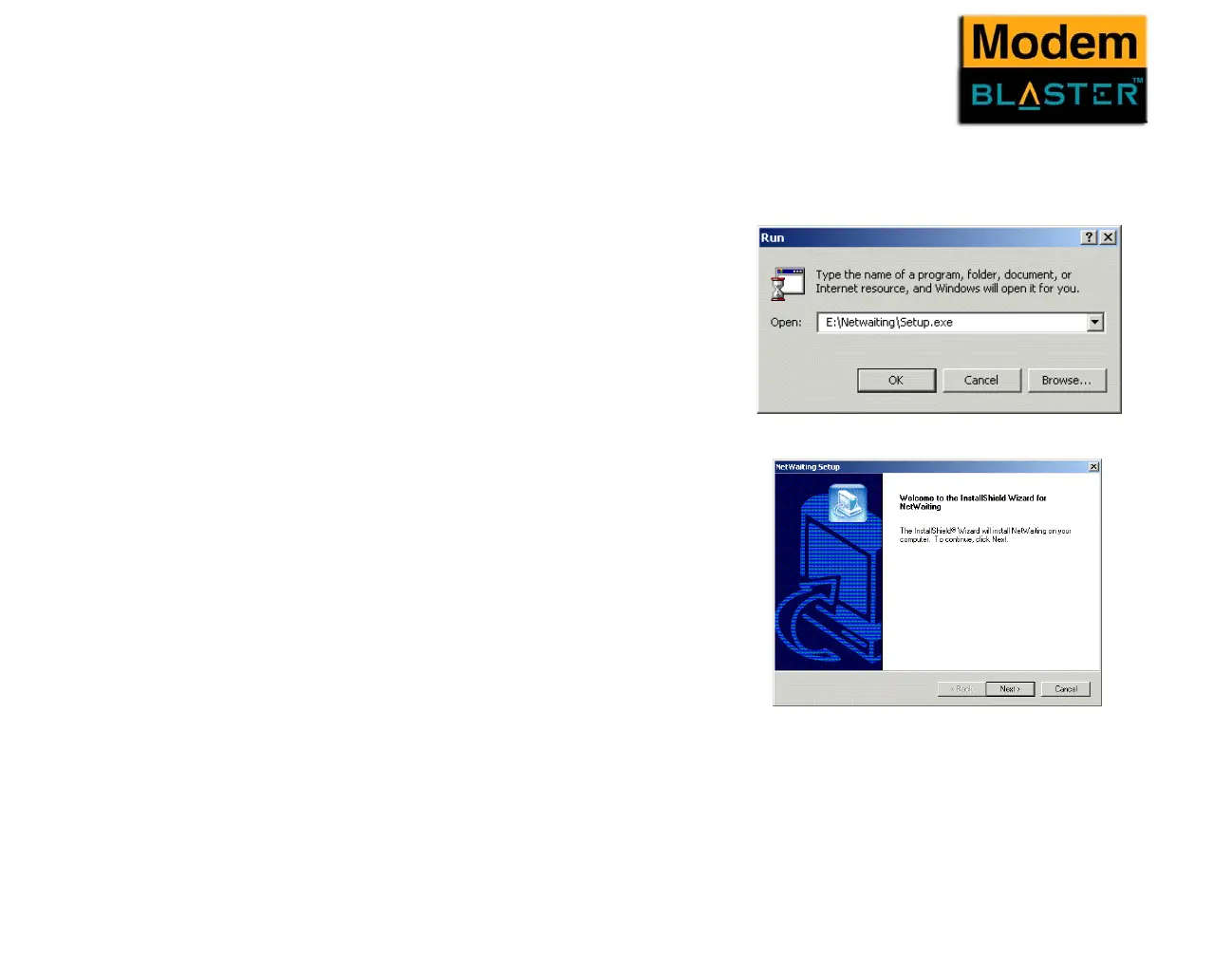
1. Click Start -> Run
2. When a dialogue box similar to Figure 3-8
appears, click the Browse button and locate
the file Setup.exe in E:\Netwaiting.
3. Click the OK button.
4. When a dialogue box similar to Figure 3-9
appears, follow the instructions on screen to
complete the installation.
Figure 3-8
Figure 3-9



 To Next Page