10
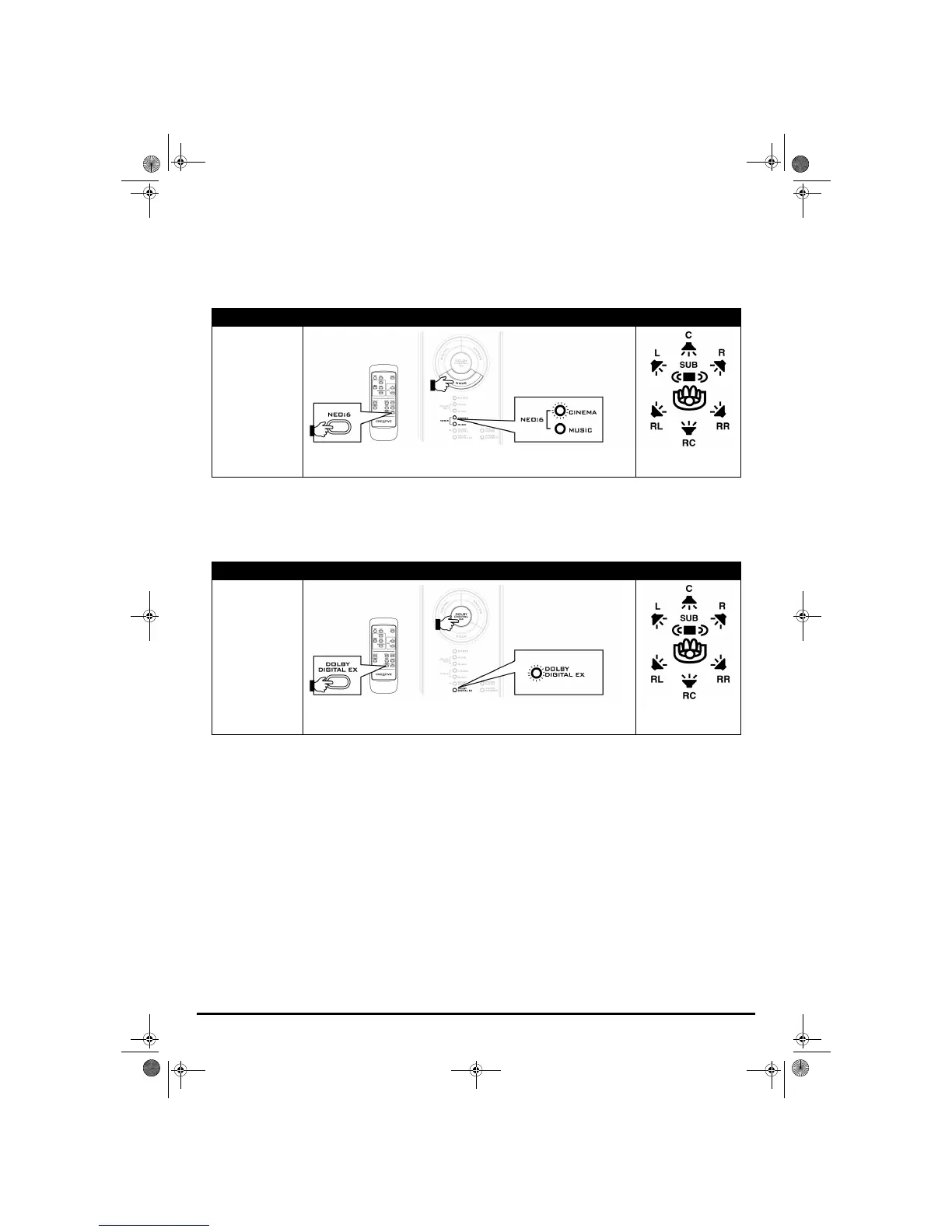
DTS NEO:6
DTS Neo:6 is played as a 5.1- or 6.1-channel soundfield. Use this mode with stereo or 5.1 program material. DTS
Neo:6 has two submodes; Cinema for stereo or 5.1 television or video programs, and Music for stereo music.
Note:When using a 5.1 speaker system, make sure the SPEAKER CONFIGURATION switch on the rear panel of your decoder is set to 5.1. For
more information, see “Connecting Speakers” on page 5.
Dolby Digital EX
Dolby Digital EX decodes a rear center channel from the surround channels to deliver a convincing 6.1-channel
soundfield for improved surround imaging. This mode is automatically selected for Dolby Digital EX program
material.
Program Material Mode Select Output to Speakers
Analog stereo, Digital
(PCM) stereo, Dolby
Digital 2.0, DTS 2.0,
and DTS 5.1
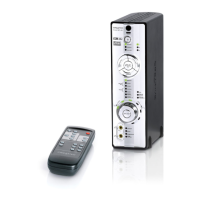
Press the MODE button on your decoder, or the NEO:6 button on your remote control to
select
NEO:6 CINEMA or NEO:6 MUSIC
Program Material Mode Select Output to Speakers
Dolby Digital 5.1 and
Dolby Digital EX
Press the MODE button or the DOLBY DIGITAL EX button on your decoder, or the
DOLBY DIGITAL EX button on your remote control to toggle between
DOLBY DIGITAL and
DOLBY DIGITAL EX
5.1- or 6.1-channel soundfield
5.1- or 6.1-channel soundfield
Gimo1.book Page 10 Thursday, October 9, 2003 11:18 AM


 To Next Page