9
Selecting Modes
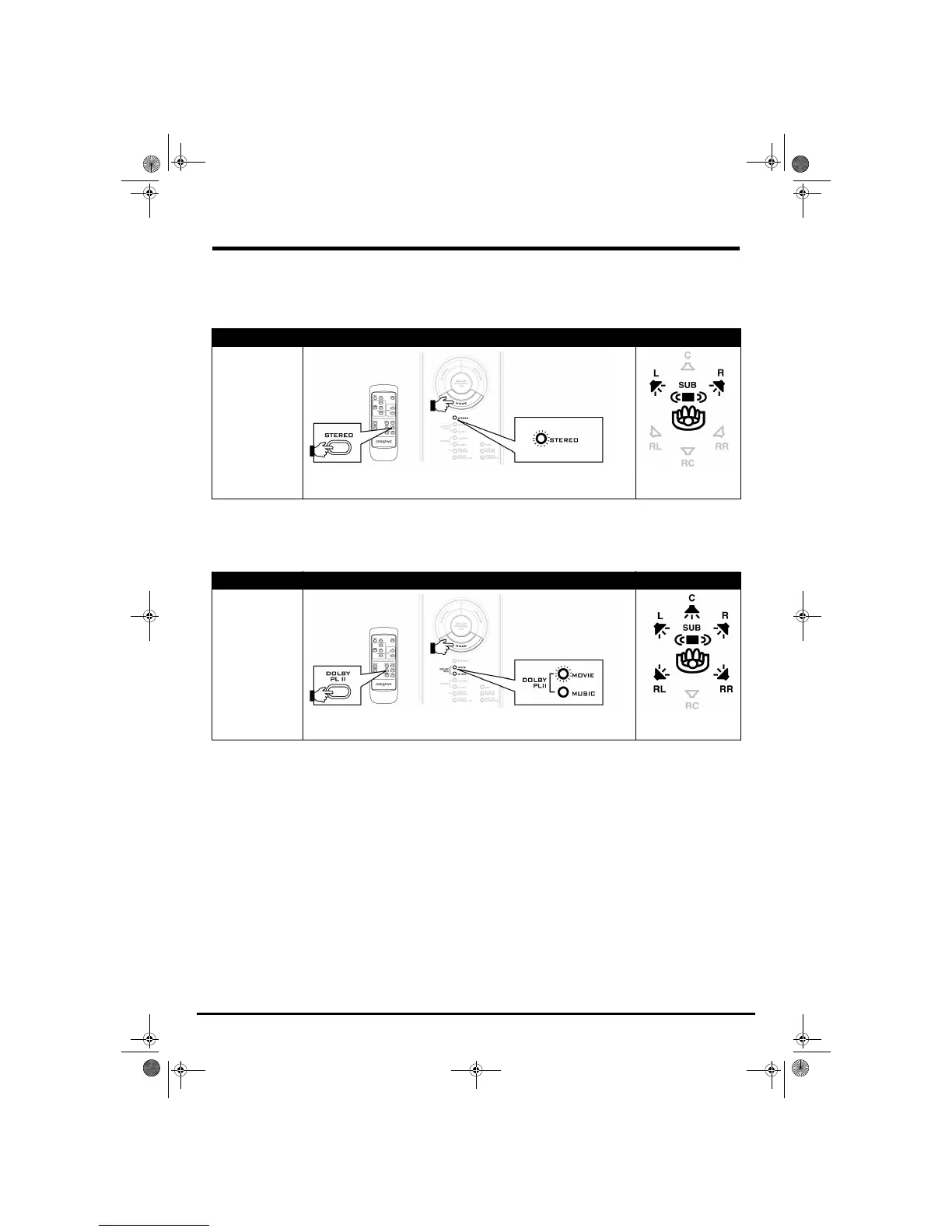
Stereo
In this mode, program material is played back as a two-channel soundfield. Select this mode to play stereo program
material, or to downmix multichannel Dolby Digital, DTS, and other multichannel program material.
Dolby Pro Logic II
Select this mode with stereo program material for playback as a 5.1-channel soundfield. Dolby Pro Logic II has two
submodes:
MOVIE for stereo television or video programs, and MUSIC for stereo music recordings.
Program Material Mode Select Output to Speakers
Any
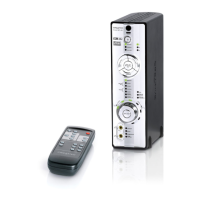
Press the MODE button on your decoder, or the STEREO button on your remote control
to select
STEREO
Program Material Mode Select Output to Speakers
Analog Stereo, Digital
(PCM) Stereo, DTS
2.0, and Dolby Digital
2.0
Press the MODE button on your decoder, or the DOLBY PLII button on your remote
control to select
DOLBY PLII MOVIE or DOLBY PLII MUSIC
Two-channel soundfield
5.1-channel soundfield
Gimo1.book Page 9 Thursday, October 9, 2003 11:18 AM


 To Next Page