6
Connecting and Selecting Input Devices
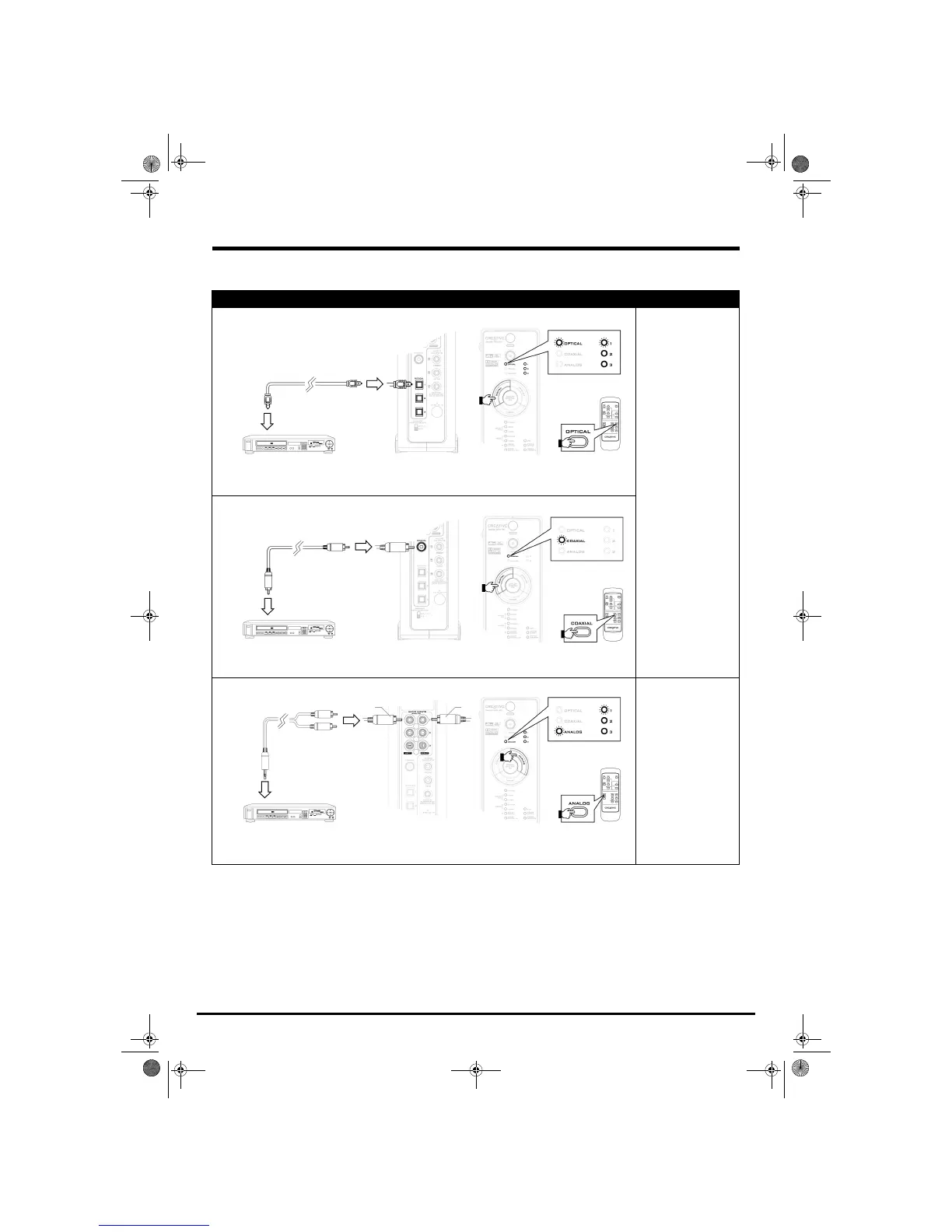
Set-Top Devices
DVD, VCD, CD and MiniDisc
®
Players
Using an optical connection
Signal:
DTS, DTS-ES, Dolby
Digital, Dolby Digital EX or
Digital (PCM) stereo
Using a coaxial connection
Using an analog connection
Signal:
Analog stereo
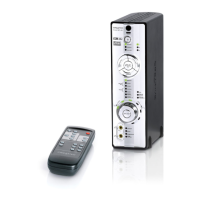
Press the DIGITAL button on your decoder,
or the OPTICAL button on your remote
control to select an OPTICAL input
(
OPTICAL 1, OPTICAL 2 or OPTICAL 3).
Optical cable
Press the DIGITAL button on your decoder,
or the COAXIAL button on your remote
control to select
COAXIAL.
Coaxial cable
Miniplug-to-Dual-RCA cable
(available separately)
Press the ANALOG button on your
decoder, or the ANALOG button on your
remote control to select an ANALOG input
(
ANALOG 1, ANALOG 2 or ANALOG 3).
RedWhite
Gimo1.book Page 6 Thursday, October 9, 2003 11:18 AM


 To Next Page