Installing and Using Sound Blaster Extigy 2-5
Recording and
Content
Authoring
Sound Blaster Extigy supports digital audio connectivity for perfect
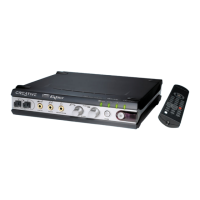
recordings and content authoring. Figure 2-3 shows you how to connect digital
peripherals to your Sound Blaster Extigy.
A minijack-to-coaxial adapter
is required to connect your
digital device to the Digital
Out jack.
Digital devices such as
DAT recorders
Figure 2-3: Connecting recorders to Sound Blaster Extigy.
MIDI devices (For example, MIDI keyboard)
MiniDisc recorder
Optical SPDIF In/Out
connectors
Digital Out
jack
SPDIF In
jack
MIDI In/Out
connectors


 To Next Page