Using Your Player 3-9
Audio and FM
Recording
Another great MuVo V200 feature is its ablility to record audio and FM radio.
Recorded audio is encoded directly into IMA ADPCM (at 8 kHz, 4-bit, Mono)
file format and recorded FM radio is encoded directly into IMA ADPCM (at 16
kHz, 4-bit, Stereo) file format.
When recording, note that the available recording time is determined by:
❍ available space in your player
❍ battery power remaining in your player
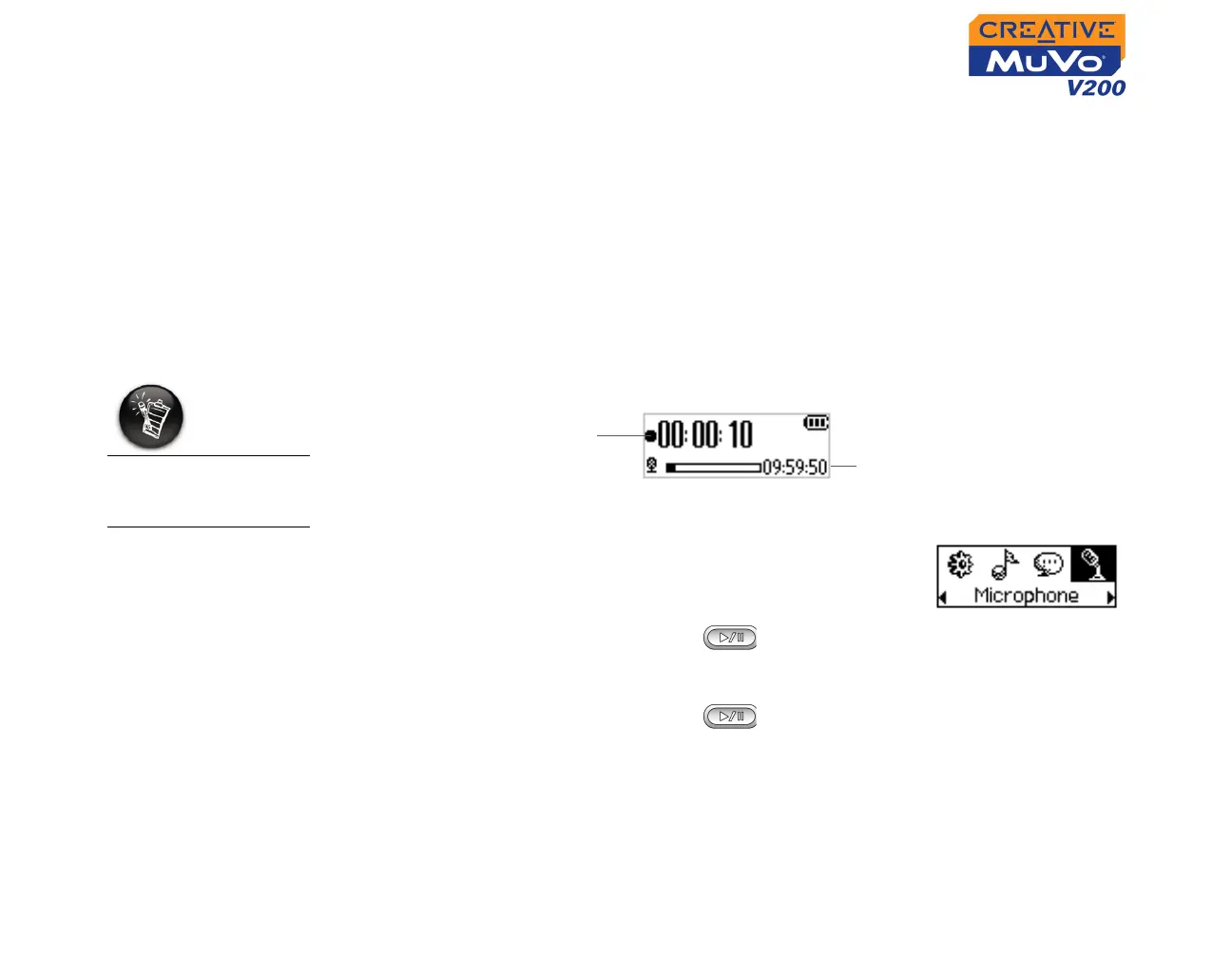
Recording Audio When recording, you will see the time available for recording. You will also
see a bar showing you the elapsed recording time.
To make a recording
1. Press the Scroller.
Scroll Select the Microphone icon (Figure 3-29).
The recording bar appears on the screen.
2. Press the Play/Pause button to start the
recording.
3. Press the Play/Pause button again to end the recording. A name
is automatically assigned to your recording and it is saved in your player.
The naming convention used is: VOC [Current File Number].
Elapsed Recording
Time
Remaining Time Available
For Recording
Figure 3-29
You cannot pause
and continue a voice
recording.













 To Next Page