Using Your Player 3-21
Locking and
unlocking your
Player
Locking your player will disable all buttons except the Scroller on the player.
This feature is useful when you do not want any buttons (for example,
Play/Pause) pressed accidentally.
If you press a button while the player is locked, a popup window appears,
prompting you to unlock the player. This window is only displayed for five
seconds.
To lock your player
1. Press the Scroller.
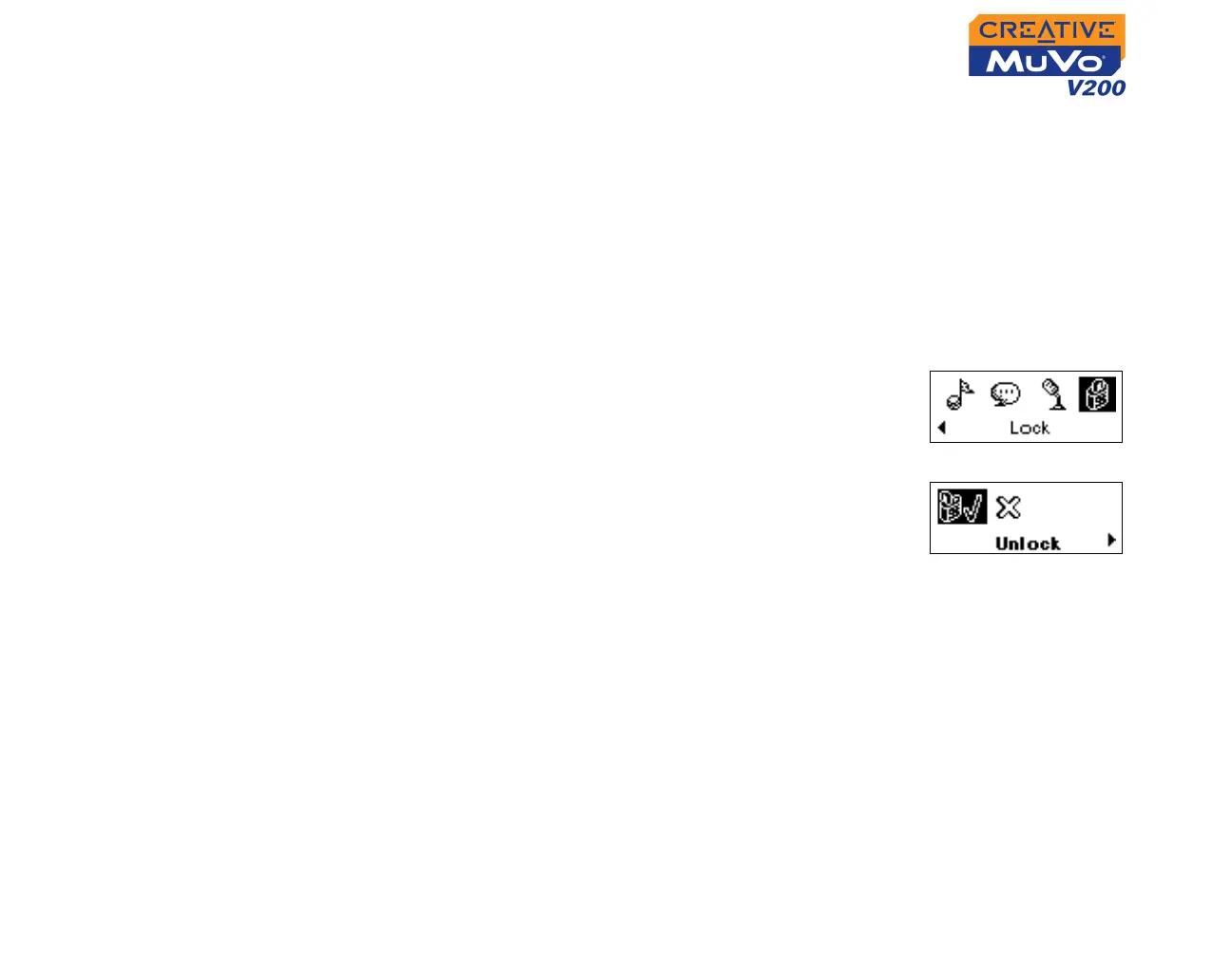
2. Scroll Select the Lock icon (Figure 3-47). The
player is locked.
To unlock your player
1. Press any button. A popup window appears (Figure
3-48).
2. Scroll Select the Unlock icon. The player is
unlocked.
Figure 3-47
Figure 3-48













 To Next Page