Using Your Player 3-16
Enhancing
Audio
Enhancing Audio EQ is a collection of equalizer settings that can enhance the sound of your
audio. Select preset settings such as Rock or Jazz, or customize your own
setting.
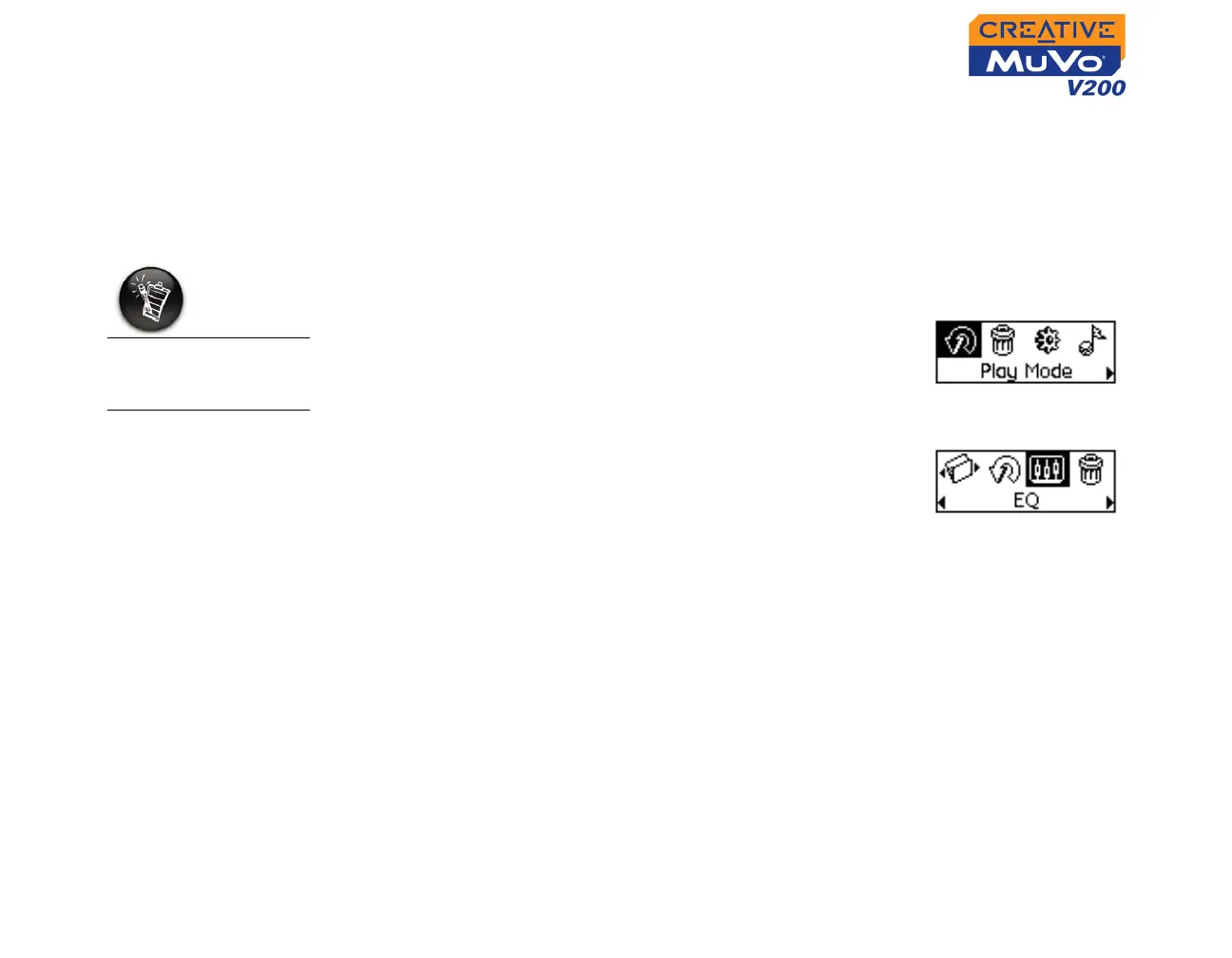
1. Press the Scroller. The Main Menu (Figure 3-40)
appears.
2. Scroll Select the EQ icon (Figure 3-41).
3. Select one of the following options:
•Normal
• Rock
•Pop
• Classical
•Jazz
• Custom EQ
EQ settings are only
available in Music
mode.
Figure 3-40
Figure 3-41













 To Next Page