About Your Hardware
Refer to the Quick Start leaflet for instructions on setting up your audio device. To learn more about
your product, refer to the relevant section below:
l Your Audio Device
l Your Remote Control
Your Audio Device
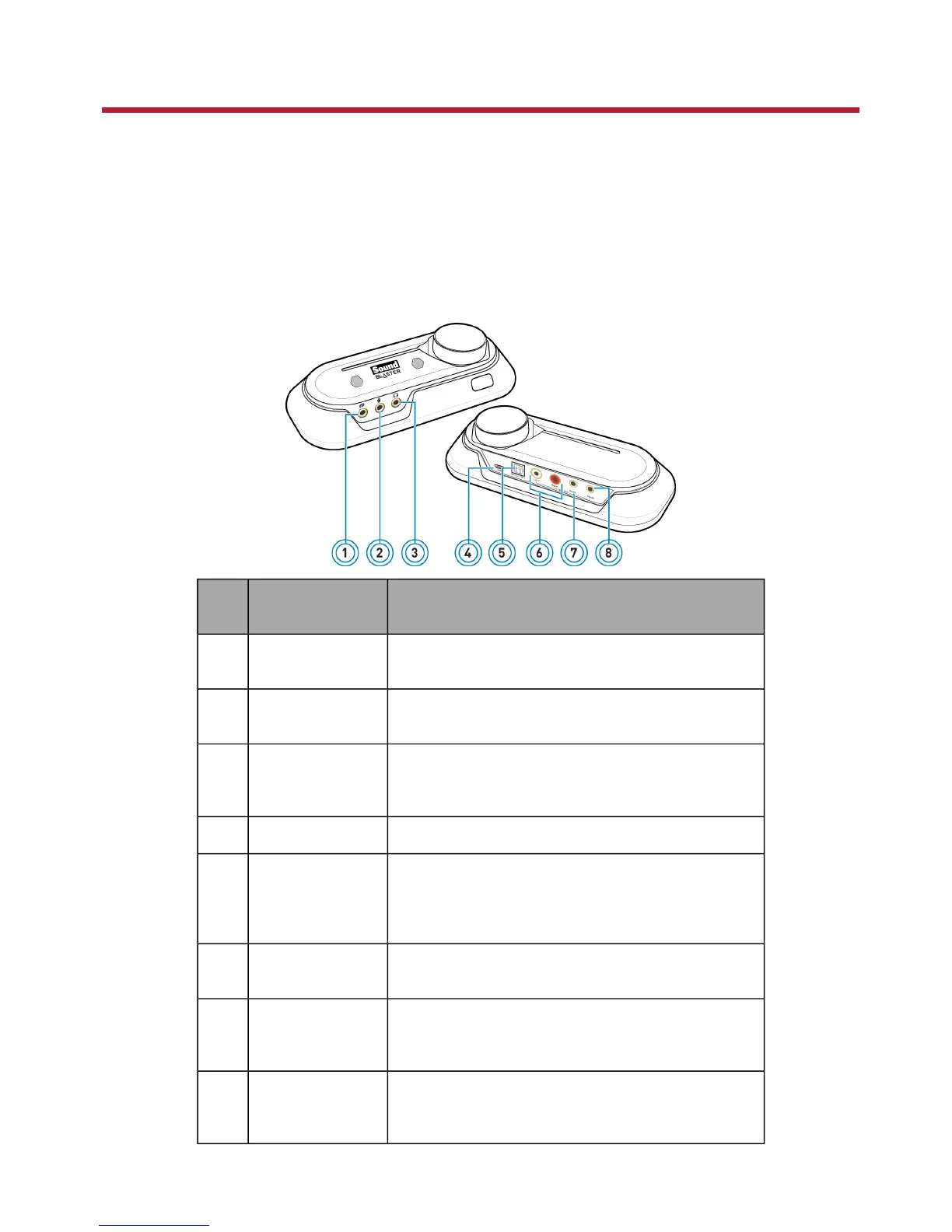
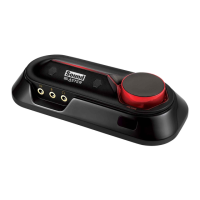
Your USB audio device has these jacks and connectors to enable the attachment of a wide variety of
devices:
Jack or
Connector
Description
1 Line-In jack Connects to the line output of external stereo sources
(such as an MP3 player or CD player).
2 Mic-In jack Connects to a microphone using a 3.50 mm (1/8-inch)
mono jack.
3 Headphone jack Connects to stereo headphones using a 3.50 mm (1/8-
inch) stereo jack. Speaker output is muted when the
jack is detected.
4 USB port Connects to the computer with the USB cable.
5 Optical S/PDIF
Out Connector
Connects to the Optical In connector of record-
ing/playback devices with optical connectors (for exam-
ple, MiniDisc recorders, Digital Audio Tape recorders or
external amplifiers).
6 RCA Front Out
jacks
Connect to amplified stereo or multi-channel speaker
systems, or to an external amplifier.
7 Rear Out jack Connects to rear or surround channel inputs of an
amplified multi-channel speaker system or to the
multi-channel inputs of a home theater receiver.
8 Center/Subwoofer
Out jack
Connects to center/subwoofer channel inputs on an
amplified 5.1 speaker system or to the multi-channel
inputs of a home theater receiver.









 To Next Page