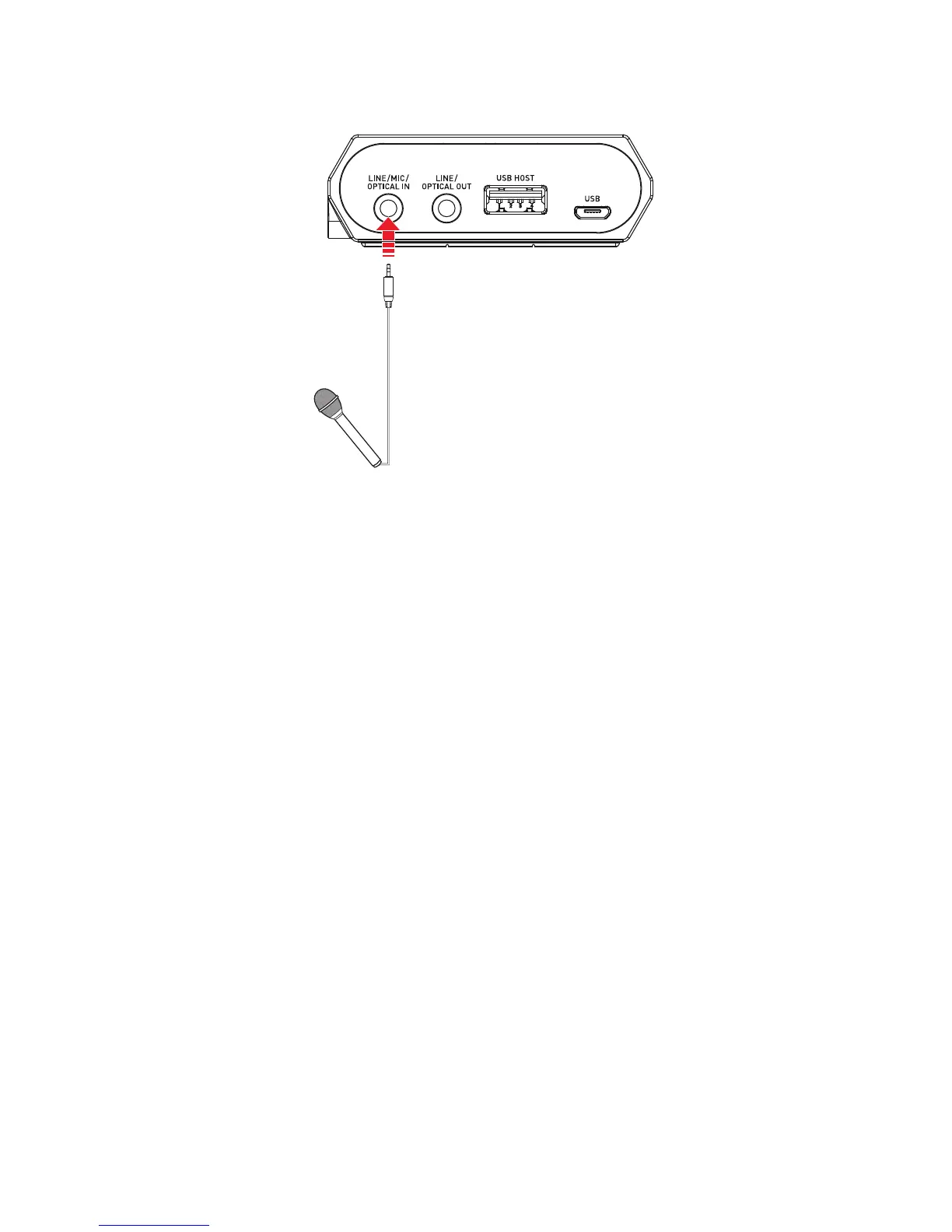
Connecting to microphones
For Windows
1. Go to Control Panel and click Sound.
2. Click the Recording tab, select Sound Blaster E5 (External Mic), then click the SetDefault
button.
For Mac
1. Go to System Preferences and click Sound.
2. Click the Input tab, then select Sound Blaster E5 (External Mic).
Note:
You can only use one external microphone at a time.
Sound Blaster E5 – Setting Up Your Audio Device 15



 To Next Page