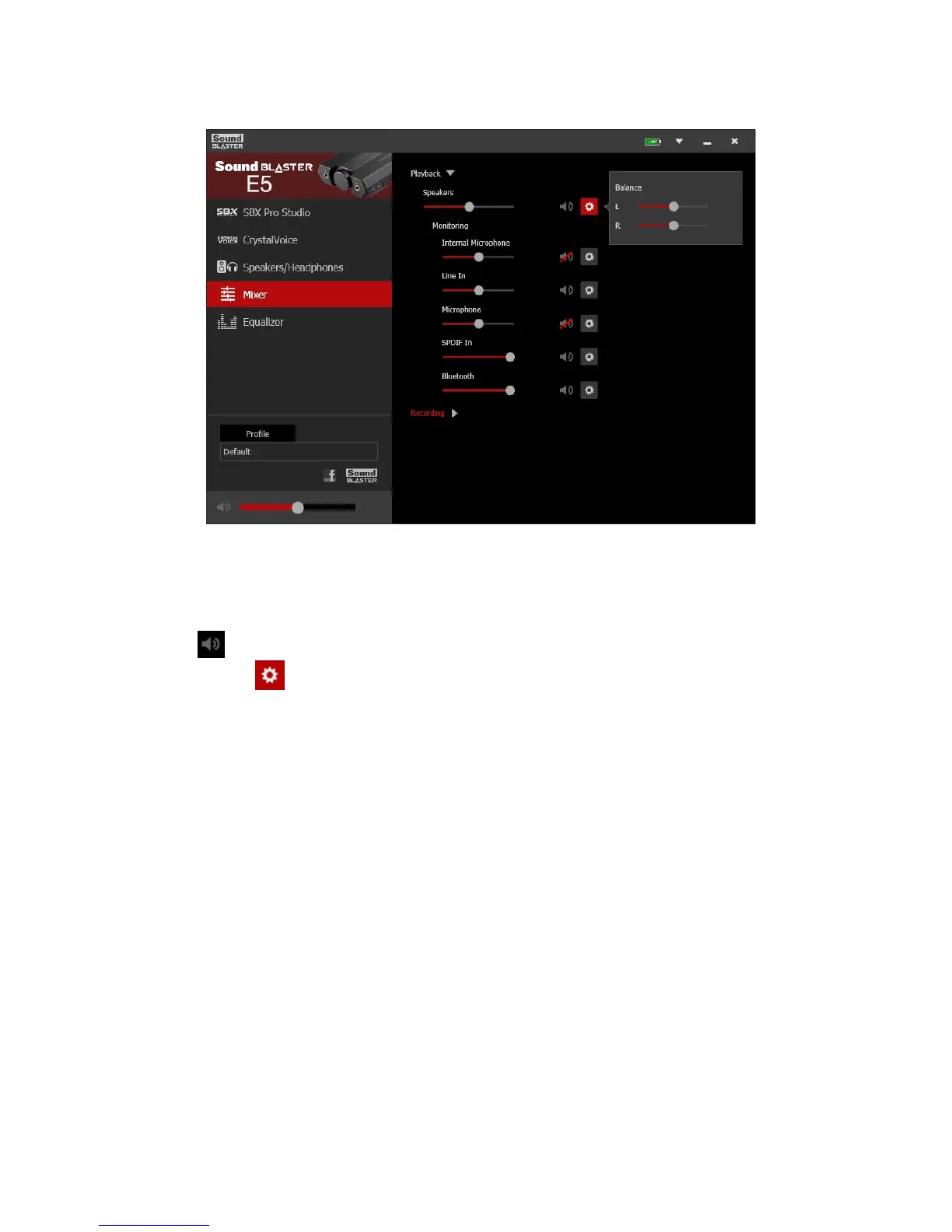
Mixer Settings
1. Volume sliders
Under Playback, adjust your playback and monitoring volumes, or to mute/unmute them.
Under Recording, adjust your recording volumes or to mute/unmute them.
2. Mixer settings
Click the icon to mute/unmute the input/output.
You can click the icon to adjust more settings for your input/output.
Sound Blaster E5 – Using the Creative Software Suite 35



 To Next Page