10 Connecting to an external stereo audio source
Connecting to an external stereo audio
source
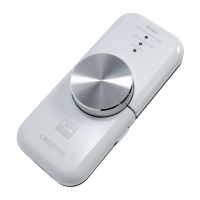
External audio sources that you can connect to Xmod include MP3 players,
CD players, and any other stereo audio source with a line-out jack.
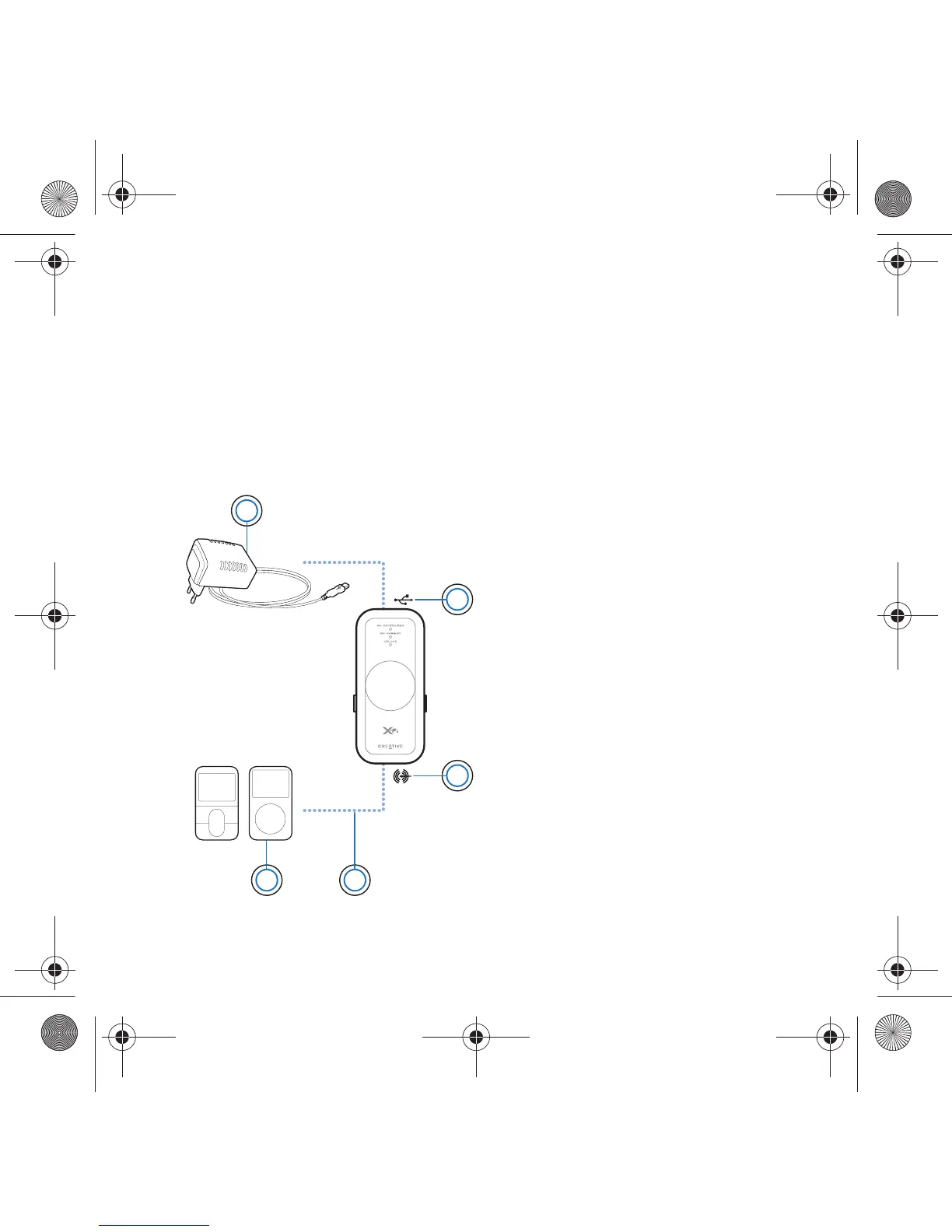
Connect a power adapter (sold separately) and an external audio source to
Xmod as shown in the diagram below. Disconnect Xmod from your
computer before proceeding.
1 Power adapter (sold
separately)
2USB Connector
3 Line-In/Microphone jack
4 Line-In cable with 3.5mm
connector (not included)
5 Your digital audio player or
other external stereo audio
source
1
3
5 4
2
Wendy UG.fm Page 10 Monday, August 28, 2006 3:09 PM










 To Next Page