Connecting Devices 5
Connecting Devices
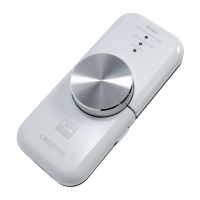
It’s easy to get great sound from your PC or Mac. Just connect Xmod to your
computer, earphones or speakers, and slide the X-Fi Crystalizer and X-Fi
CMSS-3D switches to the “On” position.
Connecting to your computer
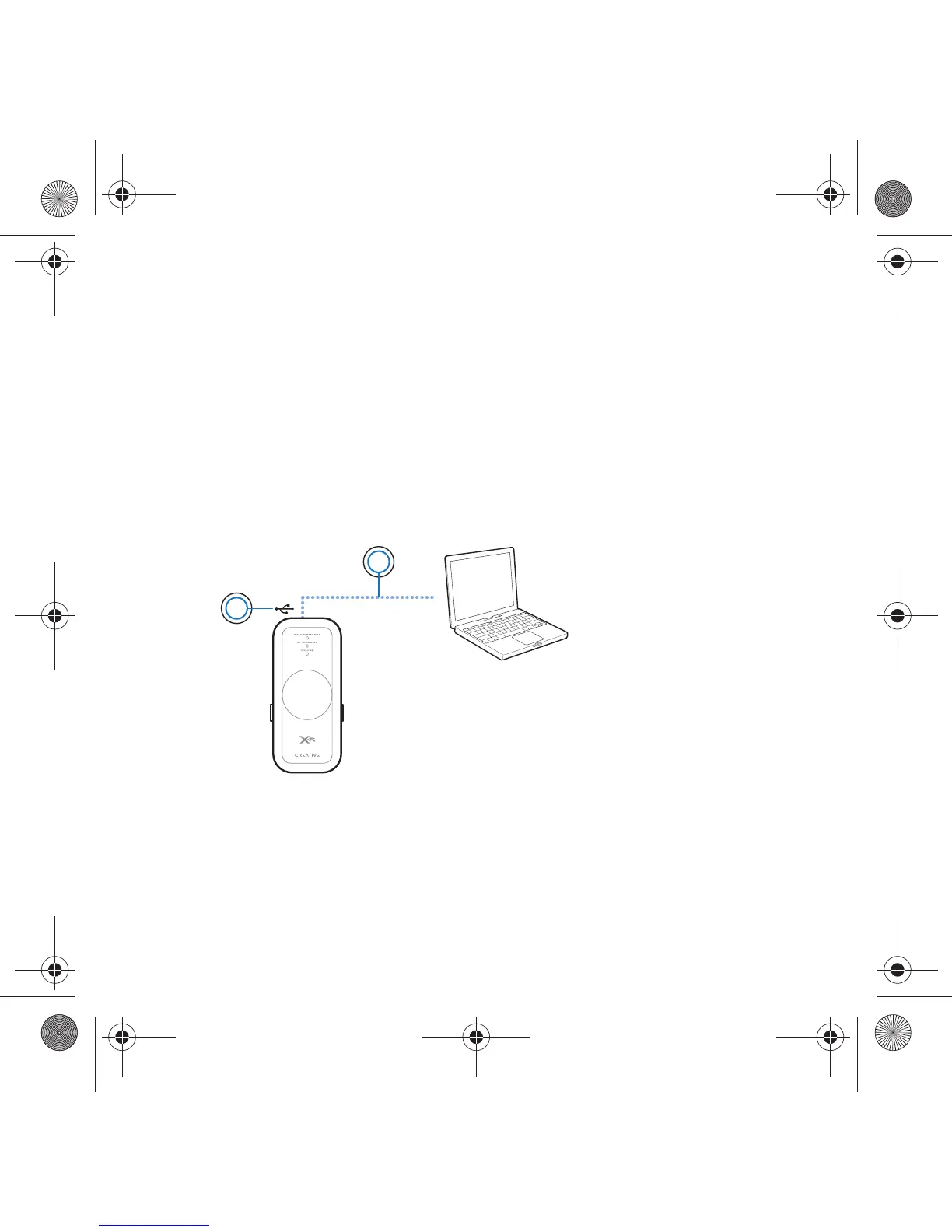
Using a USB cable, connect your Xmod directly to a USB port on your
computer or a USB hub.
Xmod retains the X-Fi Crystalizer and X-Fi CMSS-3D level settings from the
last time you used it with your computer.
NOTES
• When you connect Xmod to your computer, audio output from your
computer is channeled to Xmod.
• After connecting Xmod to your PC or Mac, connect earphones or
speakers. See “Enjoying sound from Xmod” on page 6.
1 USB port
2USB cable
2
1
Wendy UG.fm Page 5 Monday, August 28, 2006 3:09 PM










 To Next Page