6 Connecting Devices
NOTES
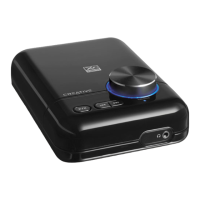
• When you connect earphones and speakers at the same time,
X-Fi: USB Audio channels sound to your earphones instead of
your speakers. To hear sound from your speakers, disconnect
the earphones.
• For the best listening experience, position your speakers about
0.5 metres or 1.5 feet apart, and at a height around your ear
level.
• Before using earphones, decrease the volume level on X-Fi:
USB Audio or from your computer.
Wendy UG for press release.fm Page 6 Thursday, August 3, 2006 2:23 PM





 To Next Page