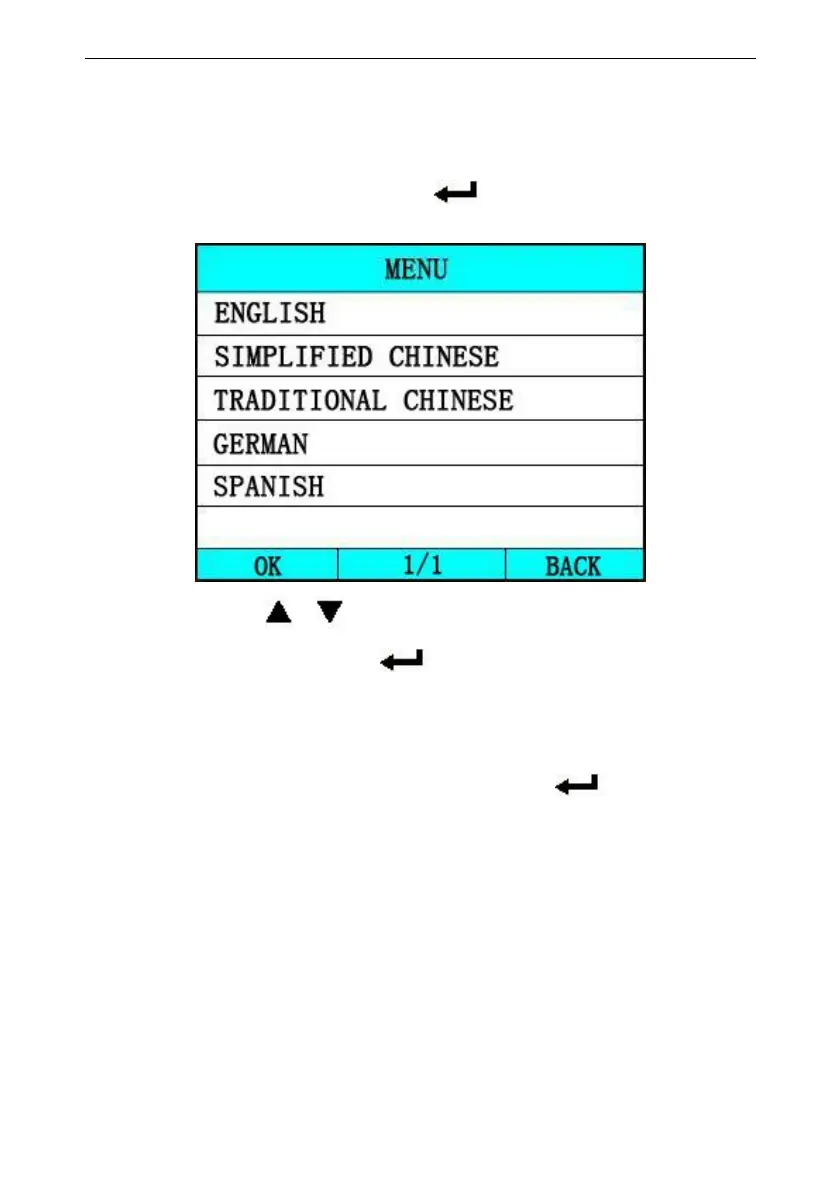
1) [LANGUAGE SETUP]: Selects desired language.
Choose [LANGUAGE] and press [ ].
The screen will display the interface as shown below:
You can press [ ][ ]key to choose the different
Language ,and then press [ ] to confirm. The system will
Convert to the chosen language interface at once.
2) [SYSTEM INFORMATION]: show the system information
Choose [SYSTEM INFORMATION] and press [ ].
The screen will display the interface as shown below:



 To Next Page