EasyManua.ls Logo

Creator C200 - Erasing Trouble Codes

Default Icon
41 pages
Print Icon
To Next Page IconTo Next Page
To Previous Page IconTo Previous Page
Loading...
Creator OBDII/EOBD scanner
26
Press [ ] or [ ] to return the [Diagnostic menu]
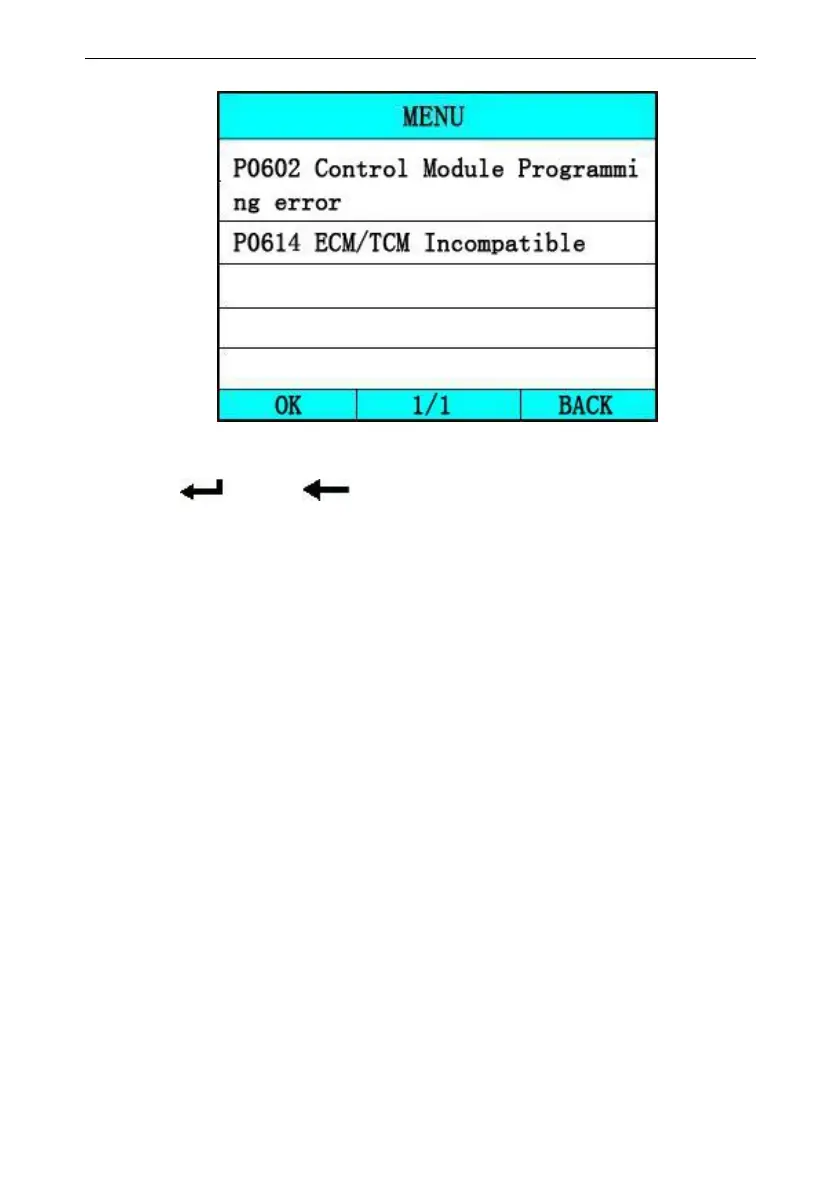
View DTCs and their definitions on screen.
If there are no Diagnostic Trouble Codes present, the
display indicates “No Trouble Code” Wait a few seconds
or press any OK to return to Diagnostic Menu.
The control module number, sequence of the DTCs, total
number of codes detected and type of codes (Generic or
Manufacturer specific) will be observed on the upper right
hand corner of the display.

5.2 Erase Trouble Codes
CAUTION: Erasing the Diagnostic Trouble Codes
may allow the scan tool to delete not only the
codes from the vehicle’s on-board computer,
but also “Freeze Frame” data and manufacturer
specific enhanced data. Further, the I/M
Readiness Monitor Status for all vehicle