Creator OBDII/EOBD scanner
34
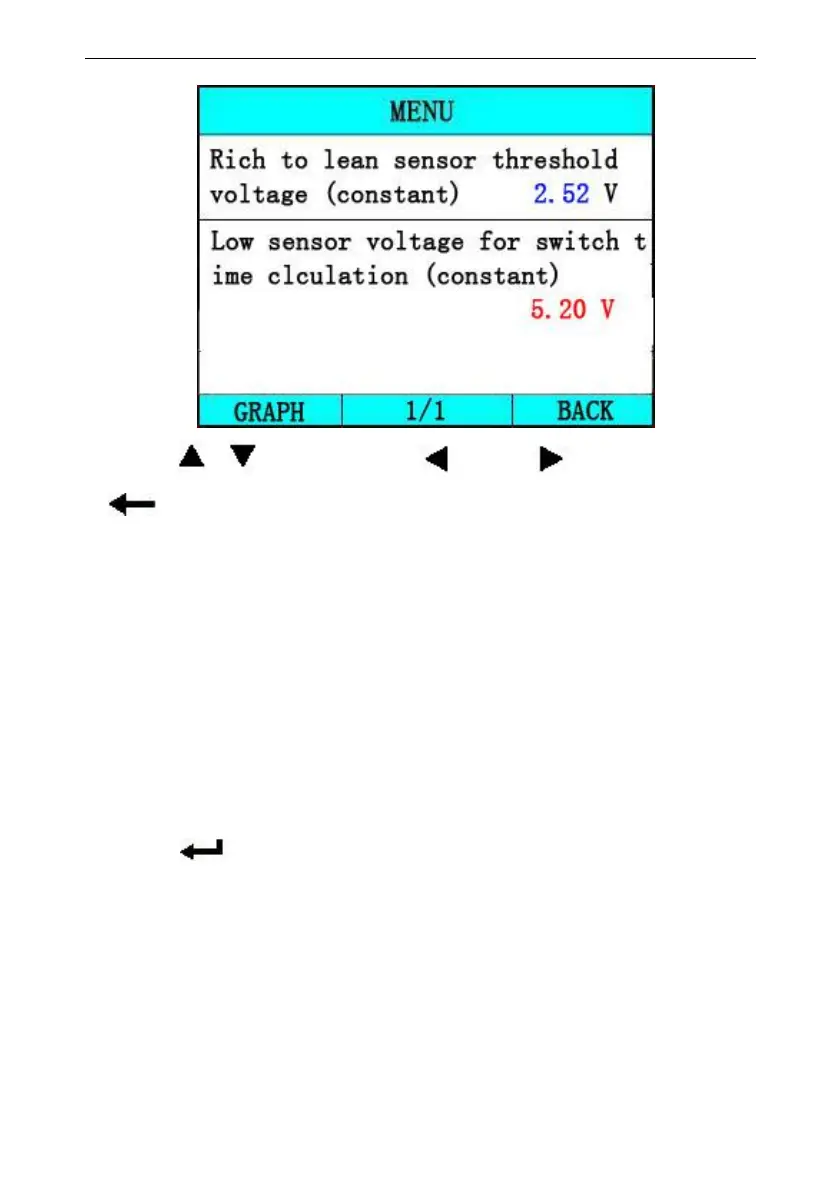
Press [ ][ ] to select, [ ] and [ ] to Page, Press
[ ] to return.
The Vehicle Info. function enables retrieval of
Vehicle Identification No. (VIN), Calibration
ID(s), Calibration Verification Nos. (CVNs) and
In-use Performance tracking on 2000 and newer
vehicles that support Mode 9.
Select [Vehicle information] in the [Diagnostic Menu], and
Press [ ]. The screen will display as shown below:



 To Next Page