Creator OBDII/EOBD scanner
30
The Component Test function allows initiating
a leak test for the vehicle's EVAP system. The
scan tool itself does not perform the leak test,
but commands the vehicle's on-board computer to
start the test. Different vehicle manufacturers
might have different criteria and methods for
stopping the test once it has been started.
Before starting the Component Test, refer to the
vehicle service manual for instructions to stop
select [Component Test] in the [Diagnostic Menu] and press
[ ] to enter the activation function.
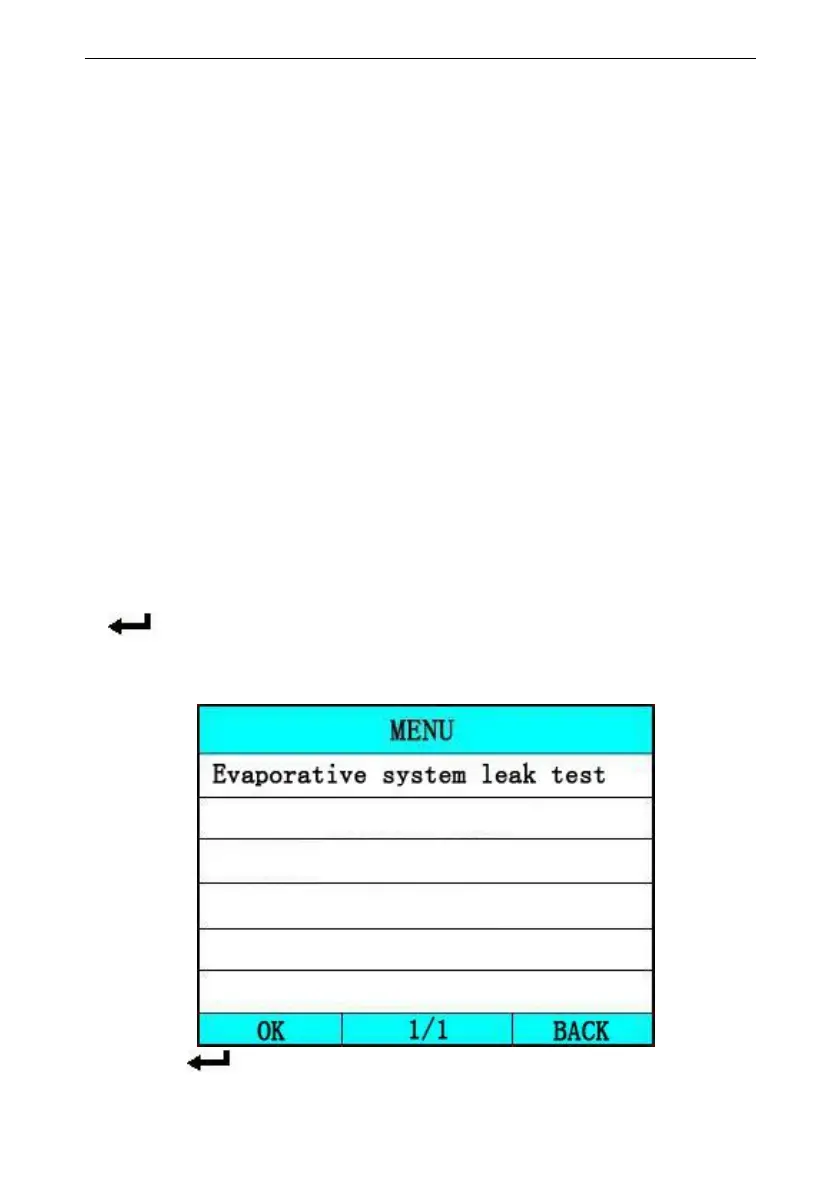
If the ECU support the function, the screen will show as
below:
press [ ] to confirm, the screen will display the



 To Next Page