EasyManua.ls Logo

Creator C200 - Page 33

Default Icon
41 pages
Print Icon
To Next Page IconTo Next Page
To Previous Page IconTo Previous Page
Loading...
Creator OBDII/EOBD scanner
33
controller area network (CAN). For O2 Monitor
Test results of CAN-equipped vehicles, see
chapter “On-Board Mon. Test”.
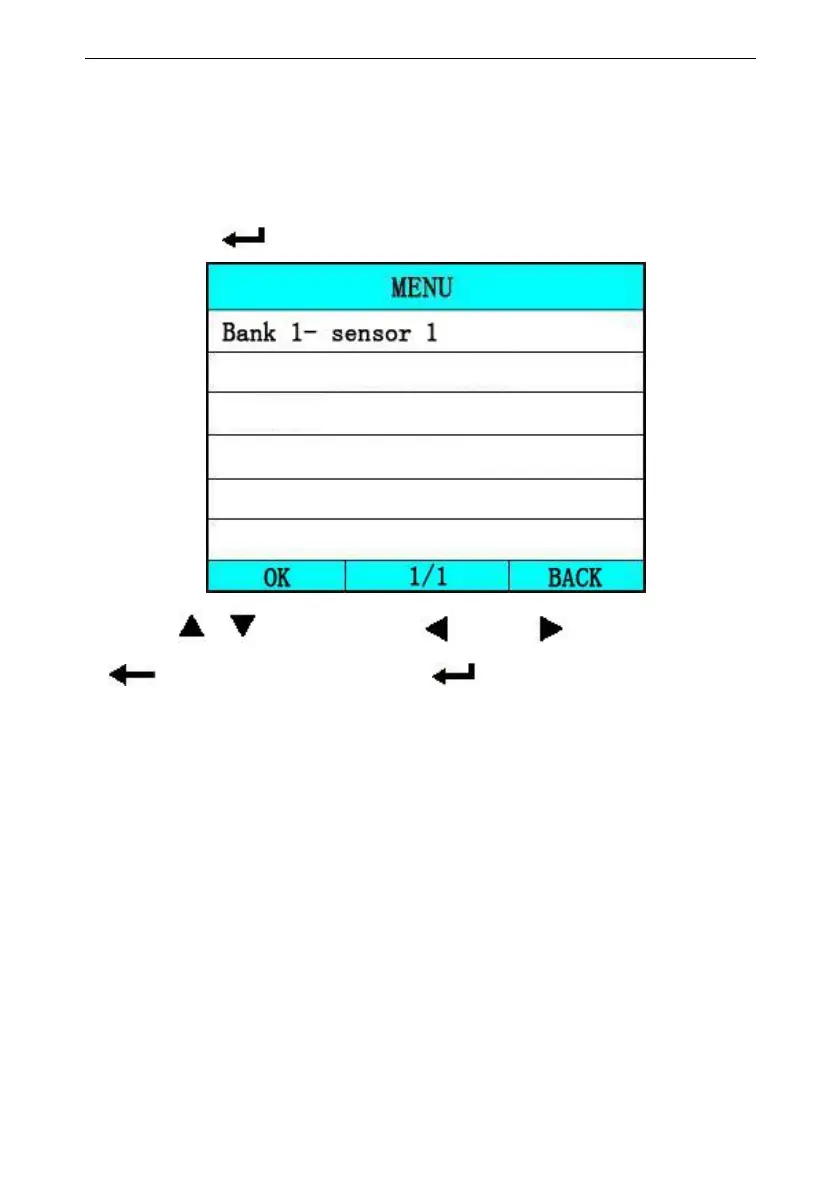
Select [O2 Sensor Monitoring test] in [Diagnostic Menu],
and press [ ]. The screen will display as shown below:
Press [ ][ ] to select, [ ] and [ ] to Page, Press
[ ] to return and press [ ] to confirm.
Notes:
If the vehicle does not support the mode, an advisory
message will be displayed on the screen.

View test results of select O2 sensor